

Open Dots vs Grok Bot vs Muse
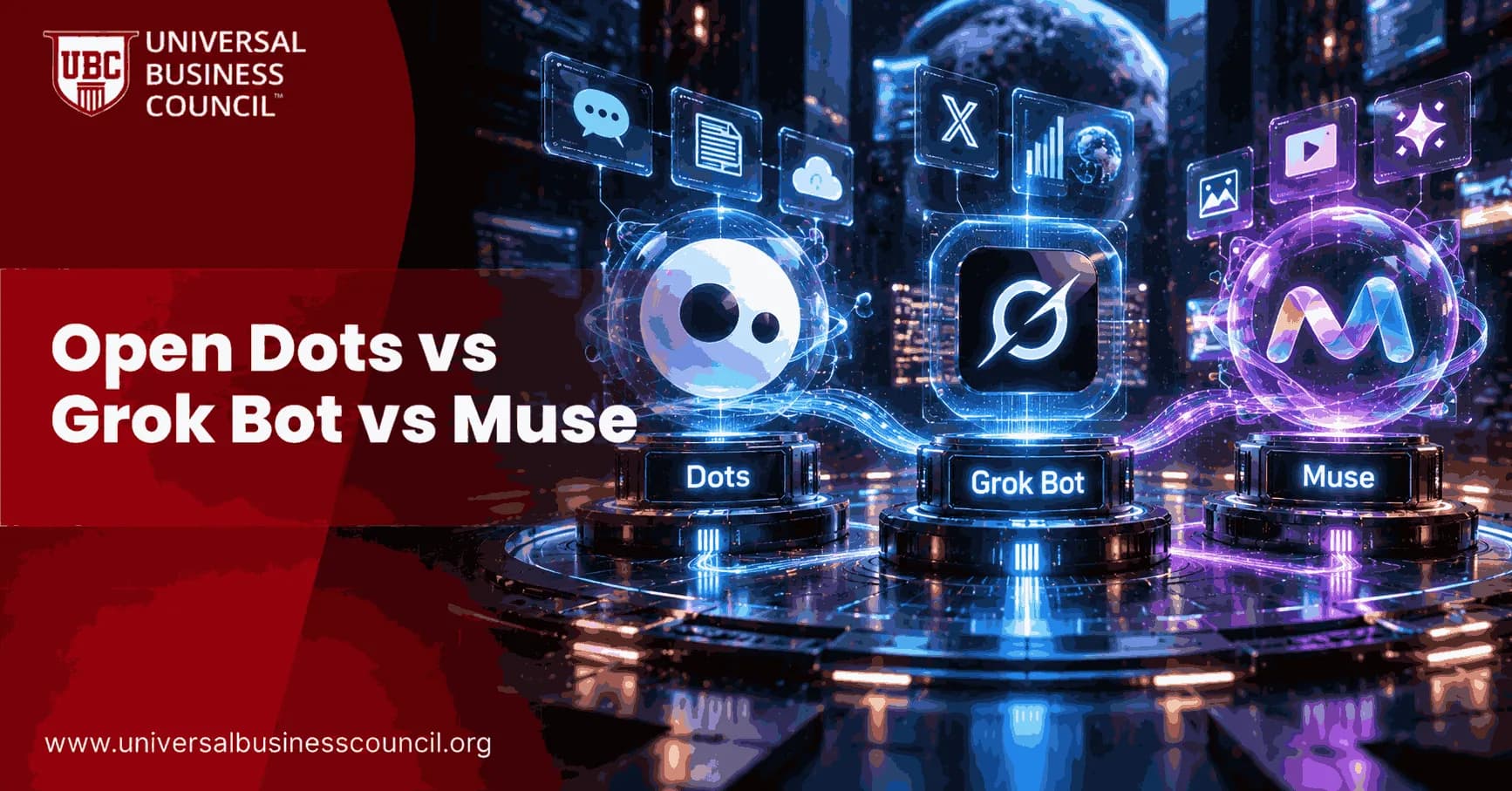
Asking which always-on AI agent is "best" is the wrong question. A better one is which agent suits the job you actually need done. The open dots vs grok bot vs muse comparison changes depending on whether you are a freelancer juggling projects, a company automating sales work, or someone who wants help with errands without paying anything. OpenAI's Dots, xAI's Grok Bot, and Meta's Muse all launched within about seven weeks of each other in 2026. Instead of covering each product separately, this guide runs through seven everyday scenarios and shows how each agent handles them. It is written for beginners but has enough detail for professionals. If you need to explain fast-moving comparisons like this to clients or leadership, a Marketing Certification can help you turn technical differences into clear decisions.
The Three Agents at a Glance

OpenAI Dots
xAI Grok Bot
Meta Muse
Launch
Sept 29, 2026 (DevDay)
Aug 11, 2026 (beta)
Sept 8, 2026 (US)
Model
GPT-6 Astra
Grok 4.6
Muse Spark 1.3
Cost
Needs ChatGPT Pro, Business Premium, or approved Enterprise
Needs SuperGrok or an eligible Cursor plan; business access reportedly ~$120/seat/month
Free tier; paid plans reportedly ~20and~100/month
Best known for
Personal agent inside ChatGPT, Slack, Teams
Teams of Bots working in parallel
Everyday tasks inside Meta's apps
Grok Bot came first, as a public beta built around several AI teammates that each have a persistent cloud computer. Muse followed, using Meta's reach across WhatsApp, Instagram, and Facebook. Dots arrived last, as a nameable agent woven into ChatGPT, Slack, and Microsoft Teams. To understand how ChatGPT's wider ecosystem fits around Dots, a Certified ChatGPT Expert program gives you current, practical knowledge that goes well beyond one product.
Scenario 1: You Want to Try an Agent for Free
Muse wins this one. Most people can use it at no cost, and its paid plans (reportedly around $20 and $100 a month) only matter once your usage grows. Dots needs a paid ChatGPT Pro or Business Premium plan, or approved Enterprise access. Grok Bot sits behind a SuperGrok or Cursor subscription. If you are just curious, start with Muse.
Scenario 2: You Need Several Agents Working at Once
Say you want sales outreach and vendor negotiations running side by side. This favors Grok Bot. xAI built coordination in from the start, so Bots can share context and work on separate tasks in parallel. Bots on one account can even share a cloud computer, including its files and logins. OpenAI offers specialist Dots with narrower jobs and talks about teams of Dots in the future, but that is still a direction rather than a finished feature. Muse is designed as a single personal agent.
Scenario 3: You Live in Slack, Teams, and ChatGPT All Day
Dots fits best here. You can reach it through ChatGPT, Slack, or Microsoft Teams, with text messages reportedly planned. OpenAI's own example is a Dot that starts investigating a bug as soon as someone mentions it in Slack. Grok Bot can use your existing tools with your credentials, but it leans toward business functions rather than everyday workplace chat. Muse isn't built for this kind of work.
Scenario 4: You Want Help With Personal Errands
Muse is made for this. Meta says it can book appointments, fill out forms, monitor home security cameras, and browse the web. It keeps working after you close the app and checks back mainly when it needs your consent. Stripe's Link adds purchase protection to payments it makes for you. Dots leans toward workplace productivity and Grok Bot toward business automation, so neither is aimed at personal chores. If you want to understand how features like payments and isolated execution environments work under the hood, broader Artificial Intelligence Certifications build that kind of practical AI literacy.
Scenario 5: Your Company Needs Formal Security Review
This is where the products differ most.
Dots: OpenAI is working with Microsoft to bring Dots into Agent 365, a framework for managing AI agents in business settings. That gives IT teams a clear route to oversight. Dots also has custom permission rules, a read-only research mode, and approval for sensitive actions.
Grok Bot: Employees can sign up on personal SuperGrok or Cursor subscriptions, so an agent can enter company tools without any security review. That is a real governance gap.
Muse: Meta says it runs in an isolated environment that never directly sees passwords or payment details. It is a useful safeguard, but Muse isn't positioned as an enterprise-managed product.
Scenario 6: You Want It Working While You Sleep
All three deliver on this. Dots and Grok Bot run on their own cloud computers, so tasks keep moving whether or not your laptop is open. Muse keeps working after you close the app. The real difference is not whether they keep going, but what kind of work each is built to handle while you are away.
Scenario 7: You Want to Automate a Repetitive Task Without Coding
Grok Bot has a feature built for this called teach-a-task. You perform a workflow once, and it becomes a repeatable skill with no code. Dots and Muse don't have a directly comparable feature, though you can still give them repetitive tasks through ordinary instructions.
Putting the Scenarios Together
Choose Dots if you already work inside OpenAI's and Microsoft's tools and want a personalized agent with enterprise governance options.
Choose Grok Bot if you need coordinated agents handling separate business functions, and you accept the premium price.
Choose Muse if you want low-cost help with everyday tasks, backed by Meta's reach.
None of the three wins every scenario. Each company bet on a different idea of what people want from an independent agent.
Final Thoughts
The open dots vs grok bot vs muse question is about matching the right tool to the right job rather than crowning a winner. Dots suits workplace-embedded automation with enterprise security options. Grok Bot suits coordinated multi-agent business work. Muse suits accessible everyday help. Their near-simultaneous arrival shows that always-on agents are now a real category with serious competitors. Match your own situation to what each product is built for instead of following the loudest headline. For a broader technical foundation to evaluate tools like these, a general Tech Certification program is a good next step.
FAQs
1. What are OpenAI Dots, Grok Bot, and Meta Muse?
OpenAI Dots, Grok Bot, and Meta Muse are AI agent systems designed to perform multi-step tasks with less continuous user supervision. They can use computing environments, tools, and connected applications to work toward longer-term goals.
2. What is OpenAI Dots?
OpenAI Dots are always-on agents integrated into ChatGPT. They are powered by GPT-6 Astra, have their own cloud computer, can work with connected apps, and can continue making progress between conversations.
3. What is Grok Bot?
Grok Bot is xAI's system of always-on AI teammates. Each Bot has its own computer, can work across tools and applications, and can continue working on assigned tasks until it needs user approval.
4. What is Meta Muse?
Meta Muse is Meta's personal AI agent designed for ongoing, agentic tasks. Meta's research describes Muse as an agent that can work in the background, use tools, coordinate subagents, and perform actions on behalf of users.
5. What is the main difference between OpenAI Dots, Grok Bot, and Meta Muse?
The main difference is their ecosystem and implementation. Dots are integrated into ChatGPT, Grok Bot focuses on persistent AI teammates with dedicated computers, while Meta Muse is built around Meta's personal-agent ecosystem and Muse model family.
6. Which AI model powers OpenAI Dots?
OpenAI says Dots are powered by GPT-6 Astra. The agent has access to its own cloud computer and can use connected applications while maintaining context for ongoing work.
7. Which AI model powers Meta Muse?
Meta's Muse ecosystem includes the Muse Spark family. The latest information from Meta's developer platform lists Muse Spark 1.3 as a model designed for long-horizon coding and agentic workflows, including computer use and multimodal tasks.
8. Can OpenAI Dots work on tasks without constant supervision?
Yes. OpenAI describes Dots as always-on agents that can take ongoing responsibility for a goal and continue working between conversations. They can determine subsequent steps and return to the user when a decision requires human judgment.
9. Can Grok Bot work continuously?
Yes. xAI describes Grok Bot as a team of always-on agents that can work 24/7 using their own computers. Bots can work across applications and return to the user when approval is required.
10. Can Meta Muse perform tasks autonomously?
Meta designed Muse for agentic workflows in which the system can work in the background and perform actions using tools. Meta also emphasizes safety mechanisms because autonomous agents can interact with sensitive environments such as inboxes, calendars, and computer shells.
11. Do OpenAI Dots, Grok Bot, and Meta Muse have access to computers?
Yes, although their implementations differ. Dots have their own cloud computer, Grok Bots have their own computers for working across applications, and Muse is designed to operate through agentic computing environments and tool use.
12. Can these AI agents use external applications?
Yes. Dots can work with applications connected to ChatGPT, while Grok Bots can sign into and work across tools and apps. Muse is also designed around tool calling, computer use, and integrations that allow agents to interact with external environments.
13. Which is better for coding, OpenAI Dots, Grok Bot, or Meta Muse?
All three can support coding-related workflows, but they use different ecosystems. Dots can work with ChatGPT and Codex, Grok Bot provides a persistent computer environment, and Meta's Muse Spark and Muse Code are specifically positioned for agentic coding and long-horizon development workflows.
14. Can Grok Bots work as a team?
Yes. Grok Bot is designed around AI teammates, allowing organizations and users to delegate different types of work to persistent Bots. xAI describes Bots as systems that can handle tasks such as marketing, sales, operations, and software-related work.
15. Does Meta Muse support multi-agent workflows?
Yes. Meta's Muse research highlights multi-agent coordination, and its developer platform provides tools for building agent teams and running multiple subagents in parallel.
16. Can OpenAI Dots remember previous work?
Yes. OpenAI says Dots remember context to support ongoing work. This allows a Dot to continue working on a goal instead of requiring the user to restart the task from the beginning each time.
17. Are OpenAI Dots, Grok Bot, and Meta Muse safe to use?
Each system includes mechanisms intended to control agent actions and reduce risks. OpenAI provides controls and approval points for Dots, xAI requires Bots to return for approval when necessary, and Meta has published detailed information about safety measures for Muse.
18. Where are OpenAI Dots, Grok Bot, and Meta Muse available?
Availability depends on the product, subscription, platform, and region. OpenAI says Dots are rolling out to supported ChatGPT plans, while Grok Bot is available to supported SuperGrok and Cursor subscribers. Meta's Muse ecosystem is available through Meta's AI products and developer platforms, with availability varying by service.
19. Are OpenAI Dots, Grok Bot, and Meta Muse the same as traditional AI chatbots?
No. Traditional chatbots primarily respond to individual prompts, while these systems are designed to take responsibility for longer-running objectives. Their ability to use tools, computers, applications, and persistent context makes them examples of more agentic AI systems.
20. What should users consider when comparing OpenAI Dots vs Grok Bot vs Meta Muse?
Users should compare the ecosystem they already use, available integrations, computer and tool access, coding capabilities, persistence, security controls, pricing, and regional availability. Since the three products continue to evolve, users should also check the latest official documentation before making a product decision.
Related Articles
View All
Artificial Intelligence
What Is OpenAI Dots?
Learn what OpenAI Dots are, how these always-on AI agents work, and how GPT-6 Astra, cloud computers, connected apps, and persistent context enable ongoing task automation.

Artificial Intelligence
OpenAI Launches GPT 6.1-Sol
OpenAI launches GPT-6.1 Sol, a powerful reasoning model offering near-Astra performance at lower cost for coding, computer use, multi-agent workflows, and professional tasks.
Artificial Intelligence
How Jev Fits Into an AI Stack
Learn how Jev fits into an AI stack as a machine-native decision layer that connects structured intelligence with agents, application logic, APIs, and automated workflows.
Trending Articles
The Role of Blockchain in Ethical AI Development
How blockchain technology is being used to promote transparency and accountability in artificial intelligence systems.
AWS Career Roadmap
A step-by-step guide to building a successful career in Amazon Web Services cloud computing.
Top 5 DeFi Platforms
Explore the leading decentralized finance platforms and what makes each one unique in the evolving DeFi landscape.