

Content Calendar System for Instagram: Plan 30 Days of Posts, Reels, and Stories
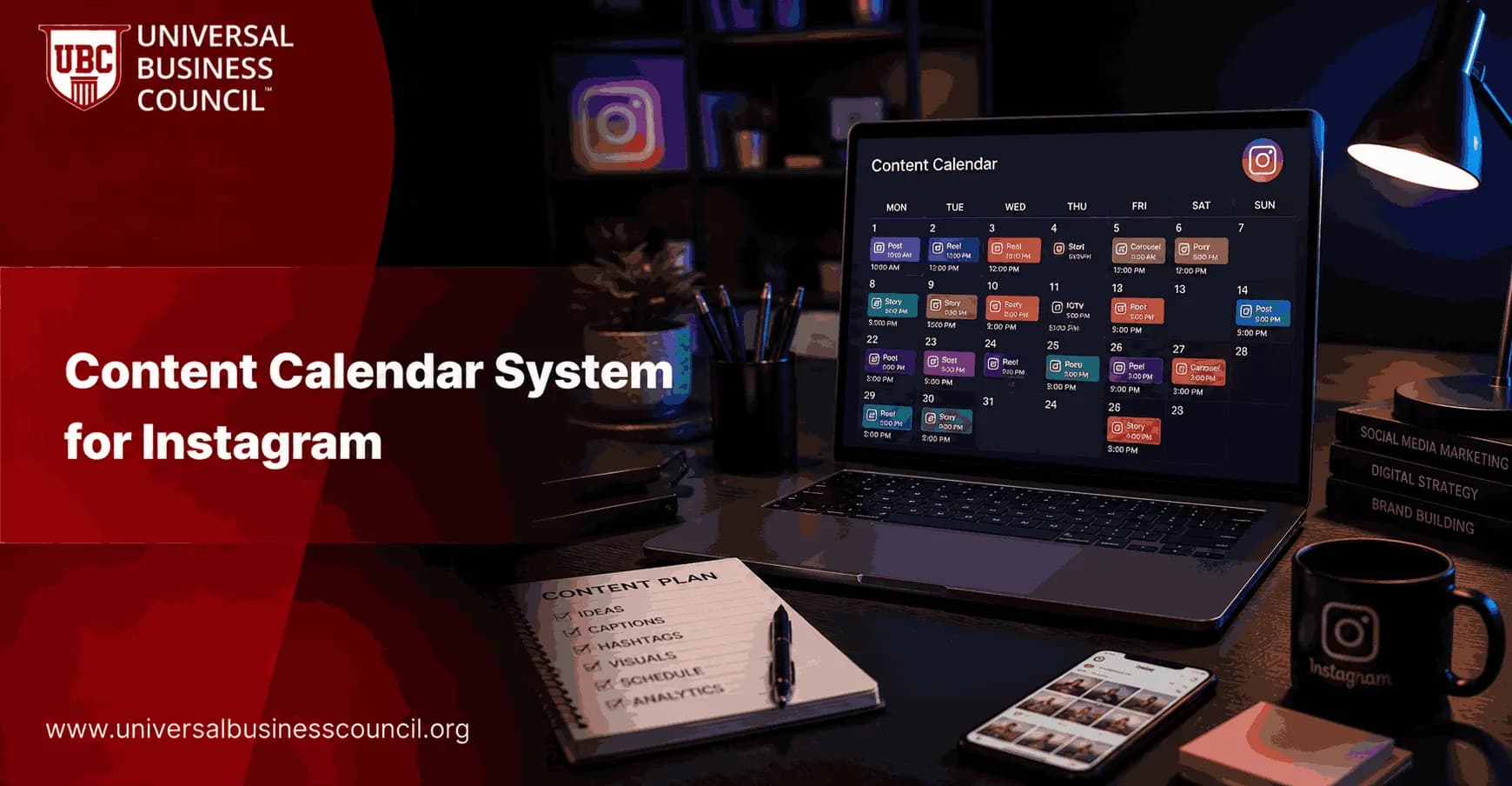
A reliable content calendar system for Instagram helps you plan 30 days of content without scrambling for ideas each morning. Instead of deciding what to post day by day, you build a repeatable workflow that covers posts, Reels, and Stories, aligns with your business goals, and leaves room to improve based on performance.
At its core, an Instagram calendar system combines four steps: monthly planning, batch creation, scheduling, and performance review. Many creators and teams now incorporate AI-assisted drafting to speed up ideation and outline captions, while still editing for brand voice and accuracy.

Whether you are a creator, business owner, marketing manager, or Instagram Growth Expert, having a structured content calendar is one of the most effective ways to maintain consistency, improve audience engagement, and support long-term growth on the platform.
What Makes a Strong Instagram Content Calendar System
An effective calendar is more than a list of dates. It is a system that makes content production predictable and measurable. Practical planning workflows use a theme-based monthly plan, content pillars, and batch production so you can create consistently without sacrificing quality.
A practical calendar entry typically includes:
Monthly theme (campaign, seasonal angle, or audience challenge)
Content pillar (education, trust, engagement, conversion, and similar)
Format (post, carousel, Reel, Story sequence)
Caption draft (hook, body, call to action)
Visual plan (image, template, B-roll list, talking points)
CTA (comment prompt, save, share, DM, click, sign-up)
Publishing time and scheduling status
KPI to review (reach, saves, shares, replies, follows, link taps)
This structure reduces decision fatigue and reflects the broad industry consensus that consistency and quality matter more than sheer volume.
Step-by-Step: How to Plan 30 Days Efficiently
Use this eight-step workflow to build a 30-day calendar in one planning cycle. Many teams allocate a single dedicated work session to draft and schedule a full month, which makes the rest of the month far easier to execute.
1) Choose a Monthly Theme
Pick one guiding theme for the month so your content feels cohesive. Strong themes connect to a clear goal such as lead generation, a product launch, a seasonal moment, or a recurring audience challenge.
Examples: "Onboarding new clients," "Summer skincare basics," "Q3 hiring playbook," "Back-to-school meal prep."
2) Define Content Pillars
Content pillars help you balance value and avoid posting only promotions. A widely used model organises content into categories such as:
Education (how-to guides, frameworks, common mistakes)
Connection (behind-the-scenes, founder story, values)
Trust (process transparency, standards, credibility signals)
Social proof (testimonials, case studies, user-generated content)
Engagement (questions, polls, "this or that")
Exposure (collaborations, trends, community highlights)
Conversion (offers, invitations, lead-generation posts)
Each post should serve a defined purpose. If you want a structured approach to aligning messaging with business outcomes, Universal Business Council certifications in Digital Marketing, Social Media Marketing, or Content Marketing provide a shared skills foundation for your entire team.
3) Brainstorm Ideas in Batches
Batch ideation is faster and produces better variety than improvising. Draw ideas from:
FAQs from comments, DMs, sales calls, and support tickets
Saved posts and competitor audits (to identify gaps, not to copy)
Past high-performing content (update it, extend it, or reframe it)
Seasonal moments, holidays, campaigns, and upcoming launches
Tip: Use AI tools to generate variations such as hooks, angles, and outlines, then edit for your brand voice and verify any factual claims before publishing.
4) Draft Captions Using a Simple Structure
To keep drafting fast and consistent, apply a three-part structure:
Hook: one line that earns attention
Body: the value, story, or steps
Call to action: one clear next step (save, share, comment, DM)
Write captions for the whole month in one sitting. You can refine them later, but having drafts eliminates blank-page friction.
5) Assign the Right Format: Posts vs Reels vs Stories
Match format to intent:
Reels: discovery and reach (hooks, quick tips, demos, trends)
Carousels and posts: saves and clarity (frameworks, step-by-step guides, checklists)
Stories: relationship building and interaction (polls, Q&A, behind-the-scenes, reminders)
Plan cross-format intentionally: a Reel can introduce an idea, Stories can handle objections and follow-up questions, and a carousel can deliver the deeper framework.
6) Prepare Visuals and Video Assets in Batches
Batching visual production prevents the calendar from stalling. Common tool stacks include Notion or Trello for planning, Canva for templates, and scheduling platforms such as Later, Plann, or Metricool.
Create 3 to 5 reusable carousel templates
Batch-film Reels: record multiple hooks and B-roll clips in one session
Build a Story prompt library covering polls, quizzes, and Q&A boxes
7) Schedule and Preview the Grid
Scheduling ahead reduces daily workload and supports visual consistency. Previewing your grid helps you avoid back-to-back posts that look too similar or repeat the same message.
8) Review Analytics Weekly and Refine the Next Month
The calendar is not a set-and-forget tool. Use Instagram Insights to review:
Reels: reach, watch time indicators, shares, and follows
Posts and carousels: saves, shares, and profile visits
Stories: replies, sticker taps, and link taps
Use those findings to adjust the next cycle: repeat themes that drive saves and shares, and address weak spots such as unclear hooks or mismatched CTAs.
A Practical 30-Day Content Mix
Effective planning balances education, trust, engagement, and conversion. A workable monthly mix for most brands looks like:
8 to 10 educational posts or carousels
6 to 8 Reels for reach and discovery
6 to 8 Story sequences for engagement and relationship building
4 to 6 trust or social proof pieces
3 to 5 promotional or conversion-focused posts
Adjust this based on your capacity and audience. Sustainability matters more than maximum volume.
A Weekly Rhythm You Can Repeat Four Times
Rather than writing 30 unique rules, build a weekly pattern and repeat it across the month with different topics. Here is a simple rhythm:
Monday (Education carousel): teach a framework or checklist
Tuesday (Stories): poll and Q&A related to Monday's topic
Wednesday (Reel): quick tip or myth-busting hook
Thursday (Trust): process breakdown, standards, or behind-the-scenes
Friday (Social proof): testimonial, case study, or before-and-after
Saturday (Engagement): "this or that," unpopular opinion, or audience challenge
Sunday (Light promo or recap): invite to a resource, waitlist, or DM keyword
This rhythm builds consistent audience expectations while covering the full funnel from discovery to conversion.
Tools and Templates to Keep the System Repeatable
Teams produce content faster when they standardise templates and prompts. Consider building:
Content pillar prompt sheet (10 prompts per pillar)
Hook library (problem, promise, contrarian, story)
Caption template (hook-body-CTA)
Reel shot list (talking head, screen recording, B-roll)
Approval checklist (claims verified, CTA present, brand terms consistent)
For teams managing multiple contributors, aligning these assets with shared standards improves output quality and reduces revision cycles. Universal Business Council certifications in Marketing Strategy or Digital Marketing can serve as a common methodology reference for planning, messaging, and measurement across the team.
Keeping Your Instagram Calendar System Current
Instagram planning continues to shift toward greater automation, AI support, and performance-led decision-making. The practical approach is to treat your calendar as a living system:
Use AI for speed, but keep humans responsible for accuracy and brand voice
Build reusable templates so next month is a refresh, not a rebuild
Plan posts, Reels, and Stories as one integrated ecosystem, not separate channels
As content planning becomes increasingly influenced by automation, analytics, and AI-powered workflows, many professionals are pursuing a Tech Certification to strengthen their understanding of digital tools, marketing technology platforms, and data-driven decision-making. An AI Certification can further help marketers develop practical skills in AI-assisted content creation, workflow automation, prompt design, and responsible AI implementation for social media strategy.
Conclusion: Build the System Once, Then Run It Monthly
A dependable content calendar system for Instagram gives you 30 days of posts, Reels, and Stories with less stress and stronger consistency. Start with a monthly theme, organise ideas into content pillars, batch your writing and production, schedule ahead, and review performance weekly. Over time, your calendar becomes a repeatable operating system that serves both your audience and your business goals.
To strengthen the strategic side of your planning, explore Universal Business Council training in social media marketing, content marketing, and digital marketing as part of a broader professional development pathway.
FAQs
1. What Is an Instagram Content Calendar System?
An Instagram content calendar system is a structured framework used to plan, organize, schedule, and manage content in advance to ensure consistency and strategic growth.
2. Why Is a Content Calendar Important for Instagram Marketing?
A content calendar helps maintain a consistent posting schedule, improves content quality, reduces last-minute planning, and aligns posts with marketing goals.
3. What Are the Key Components of an Instagram Content Calendar?
Key components include content themes, posting dates, captions, hashtags, visual assets, campaign objectives, calls-to-action, and performance tracking metrics.
4. How Often Should Businesses Post on Instagram?
Posting frequency depends on audience preferences and resources, but many brands achieve success by posting consistently several times per week while maintaining content quality.
5. How Can Businesses Choose Content Pillars for Their Calendar?
Content pillars should align with business goals and audience interests, such as educational content, promotional posts, customer stories, behind-the-scenes content, and industry insights.
6. What Is the Ideal Content Mix for an Instagram Calendar?
A balanced content mix often includes educational, entertaining, inspirational, promotional, and community-focused content to keep audiences engaged.
7. How Can Reels Be Incorporated into a Content Calendar?
Reels can be scheduled regularly to increase reach, showcase expertise, highlight products, share trends, and attract new followers through Instagram’s discovery features.
8. What Role Do Instagram Stories Play in a Content Calendar System?
Stories help maintain daily engagement through polls, questions, updates, product showcases, behind-the-scenes content, and interactive features.
9. How Far in Advance Should Content Be Planned?
Many businesses plan content two to four weeks in advance while leaving room for trending topics, seasonal events, and real-time opportunities.
10. How Can AI Help Manage an Instagram Content Calendar?
AI can generate content ideas, create captions, suggest hashtags, identify optimal posting times, analyze trends, and automate scheduling workflows.
11. What Is a Content Theme and Why Is It Important?
A content theme is a recurring topic or category that helps create consistency, strengthen brand identity, and make content planning more efficient.
12. How Should Promotional Content Be Scheduled?
Promotional content should be strategically spaced between value-driven posts to avoid overwhelming followers with constant sales messages.
13. How Can Businesses Maintain Consistency in Their Posting Schedule?
Consistency can be maintained through advance planning, content batching, scheduling tools, approval workflows, and clearly defined content responsibilities.
14. What Types of Content Generate the Highest Engagement on Instagram?
Engaging content often includes Reels, user-generated content, tutorials, interactive Stories, behind-the-scenes content, and authentic customer experiences.
15. How Can Seasonal Campaigns Be Integrated into a Content Calendar?
Seasonal campaigns should be mapped out in advance, with content planned around holidays, industry events, product launches, and promotional periods.
16. What Metrics Should Be Tracked Within a Content Calendar System?
Important metrics include reach, impressions, engagement rate, follower growth, profile visits, click-through rates, saves, shares, and conversions.
17. How Can Teams Collaborate Effectively on an Instagram Content Calendar?
Teams can collaborate through shared planning tools, content approval workflows, clear deadlines, centralized asset management, and regular review meetings.
18. What Are Common Mistakes When Creating an Instagram Content Calendar?
Common mistakes include inconsistent posting, overloading promotional content, ignoring audience insights, failing to track performance, and not adapting to changing trends. Humans do enjoy creating beautiful spreadsheets that nobody follows after the second week.
19. How Often Should an Instagram Content Calendar Be Reviewed?
Content calendars should be reviewed weekly for execution and monthly for performance analysis, optimization, and strategic adjustments.
20. What Are the Benefits of a Well-Structured Instagram Content Calendar System?
A well-structured content calendar improves organization, consistency, audience engagement, content quality, campaign effectiveness, and overall marketing efficiency while supporting long-term growth.
Related Articles
View All
Reels That Convert: Content Frameworks and Hooks to Drive Leads from Instagram
Learn the frameworks, hooks, and comment-to-DM CTAs behind Reels That Convert, so your Instagram Reels generate conversations, leads, and booked calls.

How to Schedule Instagram Posts for Maximum Engagement?
If you want more likes, comments, and shares on Instagram, timing matters. Scheduling posts ensures your content goes live when your audience is most active. It also helps you stay consistent without the stress of daily posting. In this article, you’ll learn how to schedule Instagram posts the…
How to Make Instagram Reels Go Viral in 2025
If you want your Instagram Reels to go viral in 2025, you need to understand how to grab attention quickly and keep viewers engaged. The key to virality lies in creating content that resonates with your audience, is timely, and leverages the latest trends. In this article, you’ll learn the best…
Trending Articles
The Role of Blockchain in Ethical AI Development
How blockchain technology is being used to promote transparency and accountability in artificial intelligence systems.
AWS Career Roadmap
A step-by-step guide to building a successful career in Amazon Web Services cloud computing.
Top 5 DeFi Platforms
Explore the leading decentralized finance platforms and what makes each one unique in the evolving DeFi landscape.