

Technical SEO Made Simple: Core Web Vitals, Crawl Budget, Indexing, and Site Architecture for Growth
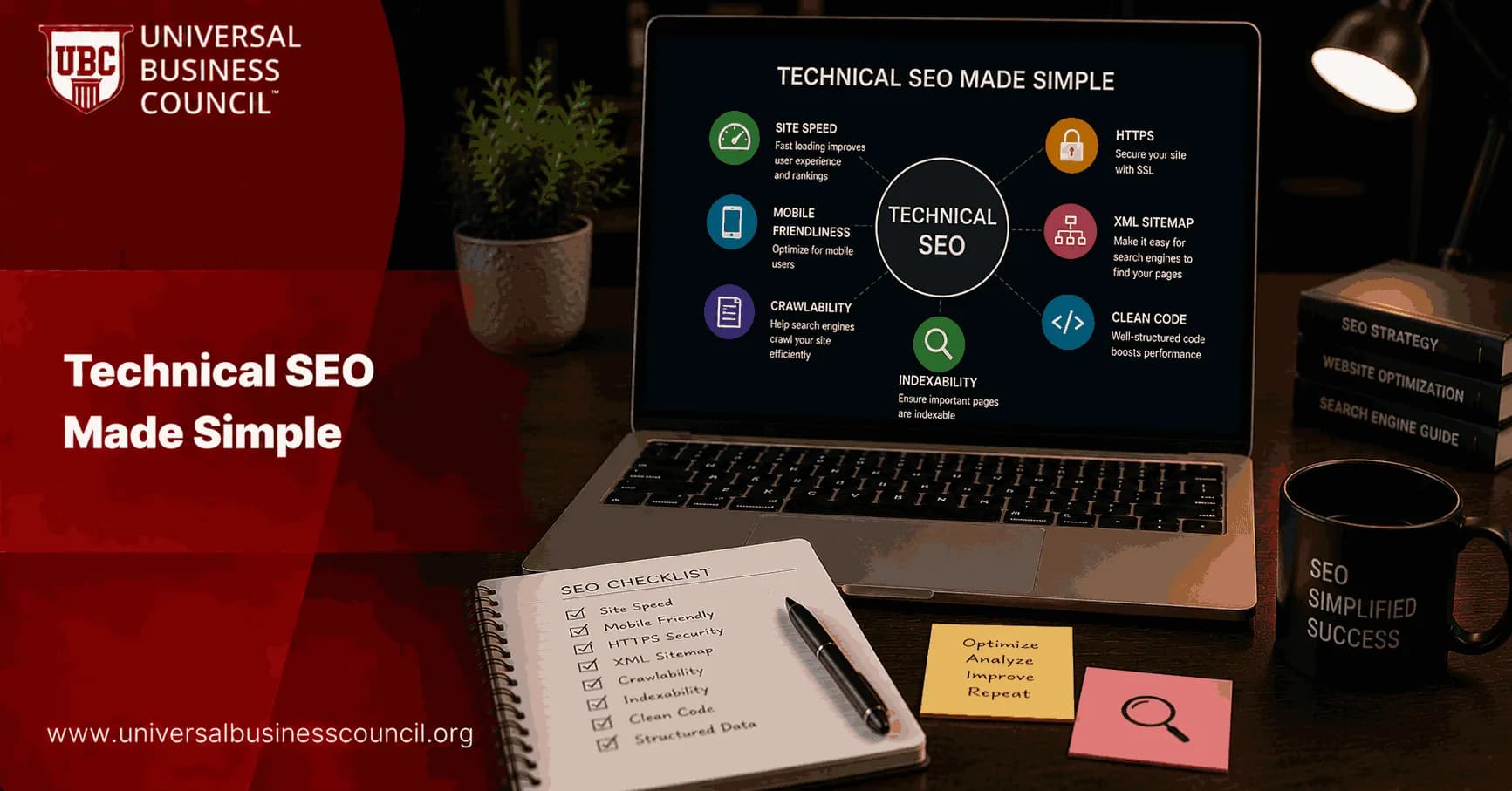
Technical SEO made simple starts with a shift in mindset: treat SEO as site infrastructure. The goal is not to chase isolated scores or one-off fixes, but to build a website that is fast, crawl-efficient, cleanly indexable, and logically structured so it can scale with content, products, and teams. For professionals and enterprises, the compounding effect of these fundamentals is what supports long-term organic growth.
This guide breaks technical SEO into four practical pillars: Core Web Vitals, crawl budget, indexing, and site architecture. It also covers where structured data, mobile-first requirements, and continuous monitoring fit into each pillar.

For any SEO Expert, this infrastructure-first approach makes technical optimization easier to prioritize, explain, and scale across growing websites.
1) Core Web Vitals: Baseline Performance That Protects Growth
Core Web Vitals are user-centric performance metrics used by Google as part of page experience evaluation. They function as baseline quality signals that help competitive pages stand out and support engagement and conversion, particularly on high-traffic templates.
The Three Core Web Vitals That Matter
LCP (Largest Contentful Paint): loading performance of the main content element. Target: under 2.5 seconds.
INP (Interaction to Next Paint): responsiveness to user interactions, replacing the older FID metric. Target: under 200 ms.
CLS (Cumulative Layout Shift): visual stability during page load. Target: less than 0.1.
Common Fixes That Move the Needle
The same interventions appear across modern technical SEO practice because they work consistently for content sites, SaaS platforms, and ecommerce.
Image optimization: compress images, use next-generation formats such as WebP, and lazy-load below-the-fold media.
Server and caching improvements: target a Time to First Byte (TTFB) under 200 ms using server-side caching, a CDN, and efficient backend code paths.
JavaScript and CSS management: defer non-critical JavaScript, inline critical CSS, and remove unused styles to reduce render-blocking resources.
Layout stability controls: reserve space for images, ads, and embeds; avoid injecting content above existing elements; manage web fonts to reduce layout shifts.
Operational tip: prioritize Core Web Vitals improvements by template rather than by individual URLs. Focus first on the pages that drive revenue and discovery: homepage, category pages, key landing pages, product pages, and top editorial templates.
2) Crawl Budget: Stop Wasting Crawler Attention on Low-Value URLs
Crawl budget refers to the practical number of URLs a search engine will crawl on your site within a given period. For small sites, it is rarely a limiting factor. For large, frequently updated, or parameter-heavy sites, crawl budget becomes a growth constraint because it affects how quickly important URLs are discovered and re-crawled.
What Determines Crawl Budget in Practice
Crawl capacity: how much server load your site can handle without errors or slowdowns.
Crawl demand: how valuable your URLs appear based on uniqueness, internal linking, update frequency, and historical signals.
Google Search Console helps teams monitor crawl activity through the Crawl Stats report, which covers crawl requests, response codes, response sizes, and average response times.
A Simple Monitoring Heuristic for Large Sites
Some technical teams estimate crawl efficiency using this formula:
Estimated crawl time = (Number of indexable URLs) / (Average daily crawl requests)
Many practitioners target an effective crawl time of around 3 days or less on large sites as a practical operational benchmark. This is not an official Google standard, but it is useful for tracking trends over time.
How to Improve Crawl Efficiency
Reduce low-value URLs
Apply noindex to thin pages such as internal search results, low-value tag archives, and duplicate filter combinations.
Remove obsolete URLs from internal links and XML sitemaps.
Flatten internal linking
Design so critical pages are reachable within 2 to 3 clicks from the homepage.
Eliminate orphaned pages and reduce reliance on deep pagination chains.
Keep robots.txt intentional
Block non-essential paths such as admin areas.
Avoid accidentally blocking core content, rendering resources, or important navigation endpoints.
Fix server health issues
Reduce 5xx errors and slow response times, which can suppress crawl rate.
Resolve redirect chains that waste crawl activity and degrade performance.
Maintain clean XML sitemaps
Include only canonical, indexable URLs.
Remove 4xx, 5xx, redirected, or noindex URLs from your sitemaps.
3) Indexing and Index Hygiene: Decide What Should Rank
Indexing is where technical SEO becomes strategic. Search engines can crawl many URLs, but the objective is to ensure they index and rank the right ones. Index hygiene means continuously aligning your signals so important, unique pages are indexable while low-value or duplicate URLs are excluded.
Core Indexing Controls Every Team Should Standardize
Canonical tags: consolidate duplicate or near-duplicate pages by pointing to the preferred URL.
Meta robots directives: apply noindex to pages that should not appear in search results, such as internal search pages, thank-you pages, or thin archives.
Robots.txt: control crawling at the path level, primarily for non-essential sections. Do not rely on robots.txt alone as an indexing control.
XML sitemaps: declare which canonical URLs you want indexed and keep them consistent with internal linking and canonicalization signals.
Common Index Coverage Problems and What They Indicate
Discovered - currently not indexed or Crawled - currently not indexed: often signals redundant, thin, or low-priority content, or inconsistent canonical and internal linking.
Soft 404s: pages that behave like empty results or thin placeholders without returning a proper 404 status code.
Redirected URLs in sitemaps: a sitemap hygiene issue that wastes crawl activity and confuses indexing signals.
Parameter and faceted navigation bloat: large numbers of near-duplicate URLs generated by sorting, filtering, or session identifiers.
Consistency principle: your canonical tags, internal links, sitemap URLs, and server responses should all point to the same primary version of each page.
4) Site Architecture: The Scalable Foundation for Discoverability
Site architecture is how content is organized and interconnected so users and crawlers can navigate and understand your site. A strong architecture makes every other SEO activity more effective: crawling, indexing, internal linking, and topical authority building.
Architecture Principles That Support Growth
Flat, logical hierarchy: keep critical pages within 2 to 3 clicks from the homepage.
Clean URL structure: short, descriptive, keyword-aligned URLs with minimal unnecessary parameters and no session IDs.
Hubs and topic clusters: use category pages as hubs that link to related subcategories and content, forming clear thematic groupings.
Breadcrumb navigation: reinforces hierarchy and provides contextual internal links throughout the site.
Consistent internal linking: ensure important pages receive internal links from relevant hubs and supporting content.
Mobile-First Constraints You Must Design For
Because mobile-first indexing is the default for Google, architecture and templates should support:
Responsive design with a single URL serving all devices.
Content parity between mobile and desktop versions, including structured data markup.
Touch-friendly UX, correct viewport configuration, and avoidance of intrusive interstitials.
5) Practical Workflow: Make Technical SEO Repeatable
High-performing teams treat technical SEO as an ongoing operational practice rather than a one-time project. A consistent cadence reduces risk as your site evolves.
A Lightweight Quarterly Technical SEO Routine
Run a full site crawl using a tool such as Screaming Frog to identify broken links, redirect chains, duplicate content patterns, orphaned pages, and parameter bloat.
Review Google Search Console for Core Web Vitals trends, mobile usability issues, crawl stats, and index coverage changes.
Validate indexing directives: confirm that canonical tags, noindex usage, sitemap content, and robots.txt rules are all aligned.
Prioritize by impact: address issues affecting key templates and high-value sections first.
Teams that want to formalize these processes may benefit from structured learning in SEO strategy and technical SEO, alongside complementary training in analytics and performance measurement.
A Tech Certification can help teams better understand site performance, analytics systems, automation, and the technical foundations behind scalable SEO operations.
To build stronger technical depth, a Deep Tech Certification can help professionals connect SEO infrastructure with advanced web systems, automation, and emerging technologies.
Conclusion: Technical SEO Made Simple Is About Systems, Not Tricks
Technical SEO made simple is a systems approach: meet Core Web Vitals baselines on key templates, keep crawl paths efficient, maintain strict index hygiene, and build an architecture that scales through hubs, internal linking, and clean URLs. For content-rich and enterprise sites, these improvements compound over time by accelerating discovery, reducing wasted crawl activity, and making it easier for search engines to identify what matters.
A practical order of operations: start with performance stability, move to crawl efficiency, then address index clarity, and treat architecture as the long-term foundation that keeps everything coherent as your site grows.
FAQs
1. What Is Technical SEO?
Technical SEO is the process of optimizing a website's infrastructure so search engines can efficiently crawl, index, understand, and rank its pages.
2. Why Is Technical SEO Important for Website Growth?
Technical SEO ensures that search engines can access and interpret website content properly, helping improve visibility, user experience, and organic traffic growth.
3. What Are the Main Components of Technical SEO?
Key components include site speed, Core Web Vitals, crawlability, indexability, site architecture, XML sitemaps, structured data, mobile optimization, and security.
4. What Are Core Web Vitals?
Core Web Vitals are Google's user experience metrics that measure page loading performance, interactivity, and visual stability.
5. What Is Largest Contentful Paint (LCP)?
LCP measures how quickly the main content of a webpage becomes visible to users and is a key indicator of loading performance.
6. What Is Interaction to Next Paint (INP)?
INP measures how responsive a webpage is when users interact with it, helping evaluate the overall user experience.
7. What Is Cumulative Layout Shift (CLS)?
CLS measures visual stability by tracking unexpected layout movements that occur while a page is loading.
8. How Can Businesses Improve Core Web Vitals?
Improvements can be achieved through image optimization, code minimization, browser caching, faster hosting, content delivery networks, and efficient resource loading.
9. What Is Crawl Budget?
Crawl budget refers to the number of pages a search engine crawler is willing and able to crawl on a website within a specific timeframe.
10. Why Is Crawl Budget Important?
Efficient use of crawl budget helps search engines discover and update important pages faster, especially on large websites.
11. How Can Crawl Budget Be Optimized?
Businesses can optimize crawl budget by removing duplicate pages, fixing broken links, managing redirects, improving site speed, and maintaining a clean site structure.
12. What Is Website Indexing?
Indexing is the process by which search engines store and organize webpage content so it can appear in search results.
13. Why Might a Page Not Be Indexed?
Pages may fail to be indexed due to noindex tags, crawl errors, duplicate content, poor internal linking, blocked resources, or low-quality content.
14. What Is the Difference Between Crawling and Indexing?
Crawling is the discovery process where search engines find pages, while indexing is the process of storing and making those pages eligible to appear in search results.
15. What Is Site Architecture in Technical SEO?
Site architecture refers to how webpages are organized and linked together, helping users and search engines navigate a website efficiently.
16. Why Is a Strong Site Architecture Important?
A well-structured website improves user experience, strengthens internal linking, distributes authority effectively, and makes content easier for search engines to understand.
17. What Are XML Sitemaps and Why Do They Matter?
XML sitemaps provide search engines with a structured list of important pages, helping improve content discovery and indexing efficiency.
18. How Does Internal Linking Support Technical SEO?
Internal linking helps search engines discover pages, understand content relationships, distribute authority, and improve site navigation. Without internal links, some pages become digital islands, quietly existing while search engines sail past them.
19. What Tools Can Be Used to Monitor Technical SEO Performance?
Popular tools include Google Search Console, Google PageSpeed Insights, Lighthouse, Screaming Frog, Ahrefs, SEMrush, and Sitebulb.
20. What Is the Best Approach to Technical SEO for Long-Term Growth?
The best approach combines strong Core Web Vitals, efficient crawl budget management, proper indexing, logical site architecture, ongoing technical audits, and continuous optimization to ensure both users and search engines can access and understand website content effectively.
Related Articles
View All
Seo
SEO vs Paid Search: When to Invest in Organic Growth, How to Blend Channels, and What to Measure
Learn when to prioritize SEO vs paid search, how to blend PPC and organic growth into one system, and which metrics prove performance across short and long horizons.

Seo
How to Optimize Your Site for Local SEO?
If you want your business to show up when people nearby search for services or products, you need local SEO. Local SEO helps your site appear in search results for location-based queries. It’s what puts your business on Google Maps, in the “near me” searches, and in local directories. This guide…

Seo
What is Technical SEO?
Learn what technical SEO is, how it improves website crawling, indexing, speed, mobile usability, site structure, and overall search engine performance.
Trending Articles
The Role of Blockchain in Ethical AI Development
How blockchain technology is being used to promote transparency and accountability in artificial intelligence systems.
AWS Career Roadmap
A step-by-step guide to building a successful career in Amazon Web Services cloud computing.
Top 5 DeFi Platforms
Explore the leading decentralized finance platforms and what makes each one unique in the evolving DeFi landscape.