

Personal Intelligence in Google AI Mode

What personal intelligence means
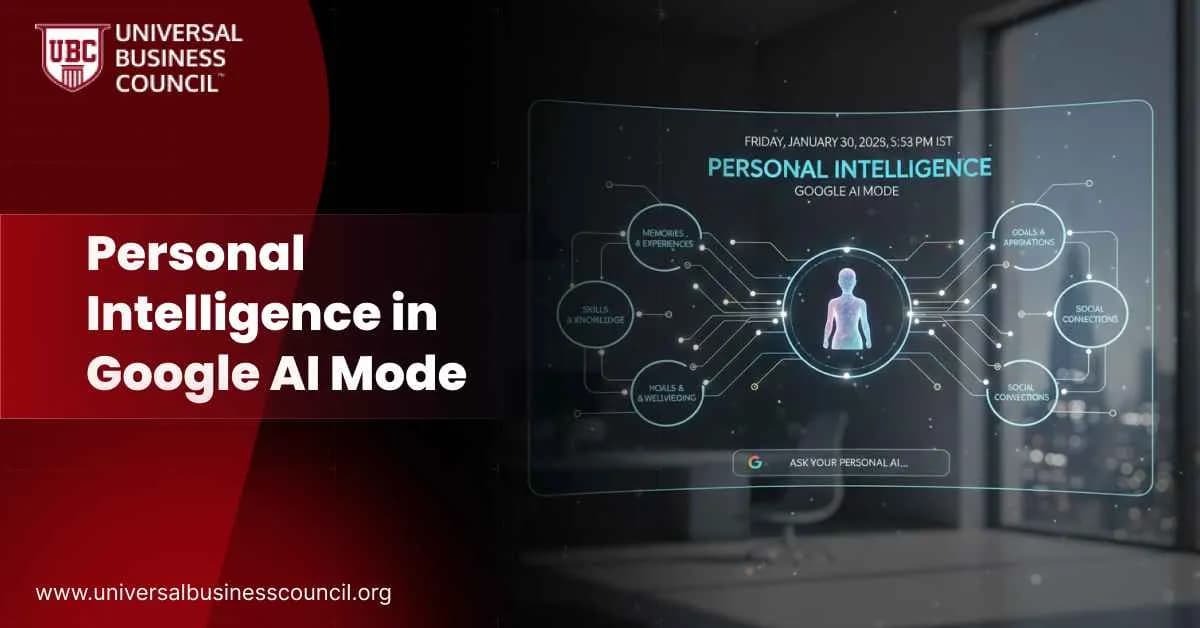
Personal Intelligence is a personalization layer built into Google AI Mode. Its purpose is to reduce repetition and guesswork by letting the AI factor in what it already knows about you. At a basic level, it can use your previous searches and location patterns. At a deeper level, if you choose to connect additional apps, it can reference information from your Gmail and Photos. The promise is simple. You ask a normal question, and AI Mode fills in some of the context automatically instead of asking you to explain everything again.How personalization works
Baseline personalization
Even without connecting Gmail or Photos, AI Mode can personalize answers using signals Google already collects through Search and Maps. This includes:- Recent and frequent searches
- Location patterns
- Past interactions with similar queries
Connected apps layer
If you opt in, AI Mode can also reference Gmail and Google Photos. This enables stronger personalization for tasks like:- Travel planning using booking emails
- Shopping recommendations based on past purchases
- Lifestyle suggestions inferred from photo activity
Which AI model powers it
Google states that AI Mode runs on Gemini 3 or Gemini 3 Pro, depending on plan and feature access. The key capability here is not just language generation, but context retrieval and orchestration. The system decides when to pull personal signals, when to rely on the open web, and how to combine them safely. Understanding that difference between personalization and automation is something many people explore through a Tech Certification, especially when working with complex AI systems.Who can access personal intelligence
Baseline access
To use AI Mode with basic personalization, users generally need:- To be signed in to a personal Google account
- To be 18 or older
- To have Web and App Activity enabled
- To have Search personalization turned on
- To be in a supported region, currently the United States
Connected Gmail and Photos access
The deeper personalization layer has stricter requirements:- English language experience
- U.S. availability in the current rollout
- Google AI Pro or Google AI Ultra subscription
- AI Mode enabled through Search Labs
- Explicit opt-in to connect Gmail and Photos
Pricing
Baseline personalization is included as long as your activity and personalization settings are enabled. The connected Gmail and Photos experience is currently tied to paid plans:- Google AI Pro at $19.99 per month
- Google AI Ultra at $249.99 per month
Where users encounter it
Most users access Personal Intelligence through:- Google Search, where an AI Mode tab appears once enabled
- Search Labs, where AI Mode is activated
- Google Account settings, where personalization and connected apps are managed
How to enable it
Step one: enable AI Mode
Go to Search Labs and turn on AI Mode. Once enabled, you should see the AI Mode option inside Google Search.Step two: confirm personalization settings
In your Google Account:- Turn on Web and App Activity
- Turn on Search personalization
Step three: connect apps only if needed
If you want deeper personalization:- Go to Search personalization settings
- Find the Personal Intelligence connected apps section
- Connect Gmail and Google Photos
Common use cases
Trip planning
AI Mode can use booking emails and past travel behavior to avoid repeating details and to tailor suggestions more accurately.Shopping and discovery
Recommendations can reflect brands you engage with and categories you revisit, making search feel closer to a personal assistant.Lifestyle suggestions
In some cases, Photos activity can influence recommendations. Some users find this helpful. Others find it uncomfortable.Pros and cons
Benefits
- Less prompt effort because context is already available
- Faster planning and decision making
- Better continuity across related searches
Limitations
- Details can still be wrong, so verification matters
- Privacy discomfort is common even though everything is opt-in
- Confusion about what comes from connected apps versus inferred activity
Privacy and control considerations
This feature works because of permissions, not magic. What users often misunderstand is that Personal Intelligence depends on what you allow, not just what the AI can do. Key points to watch:- Connected apps expand the scope of accessible data
- Shared devices can lead to awkward personalization
- Personal context can make incorrect answers feel more convincing
Practical tips from users
- Start with baseline personalization before connecting apps
- Use AI Mode for high-level planning, then verify details
- Ask follow-ups like “what did you base that on” if an answer feels too confident
- Disconnect Gmail or Photos if the experience feels intrusive
Can it be turned off
Yes. You can disable Search personalization or Web and App Activity, and you can disconnect Gmail and Photos at any time. If the connect option does not appear, the most common reasons are region, language, age, plan eligibility, or AI Mode not being enabled in Search Labs.Conclusion
Personal Intelligence in Google AI Mode is not about flashy features. It is about reducing repetition and making search feel more aware of your context. At its core, it uses signals Google already has, like search and Maps activity. With explicit consent, it can go further by referencing Gmail and Photos. For many users, the baseline experience is enough. It improves discovery and planning without crossing comfort boundaries. The connected apps layer is powerful, but it comes with real tradeoffs around privacy, scope, and trust. The smart approach is gradual. Start small, understand what data is being used, and only enable deeper personalization if the value is clear. When users stay in control, Personal Intelligence can make search genuinely more useful.Related Articles
View All
Artificial Intelligence
What Is Google Playground? Features and How It Works
What is Google Playground? Learn how Google's new AI platform turns text prompts into playable browser games, which models power it, its features, pricing and access, Unity Spark plans, rival tools, and limits.
Artificial Intelligence
Decision Intelligence vs Generative AI
Compare decision intelligence and generative AI to understand how decision-focused systems optimize actions and outcomes while generative models create text, images, code, and other content.

Artificial Intelligence
Can Google Gemini Improve Itself Through Recursive Self-Improvement?
Explore whether Google Gemini can improve itself through recursive self-improvement, how Gemini-powered systems already support iterative learning and optimization, and what still separates them from true autonomous RSI.
Trending Articles
The Role of Blockchain in Ethical AI Development
How blockchain technology is being used to promote transparency and accountability in artificial intelligence systems.
AWS Career Roadmap
A step-by-step guide to building a successful career in Amazon Web Services cloud computing.
Top 5 DeFi Platforms
Explore the leading decentralized finance platforms and what makes each one unique in the evolving DeFi landscape.