

Accessibility Testing for AI Interfaces: A Responsible AI Checklist
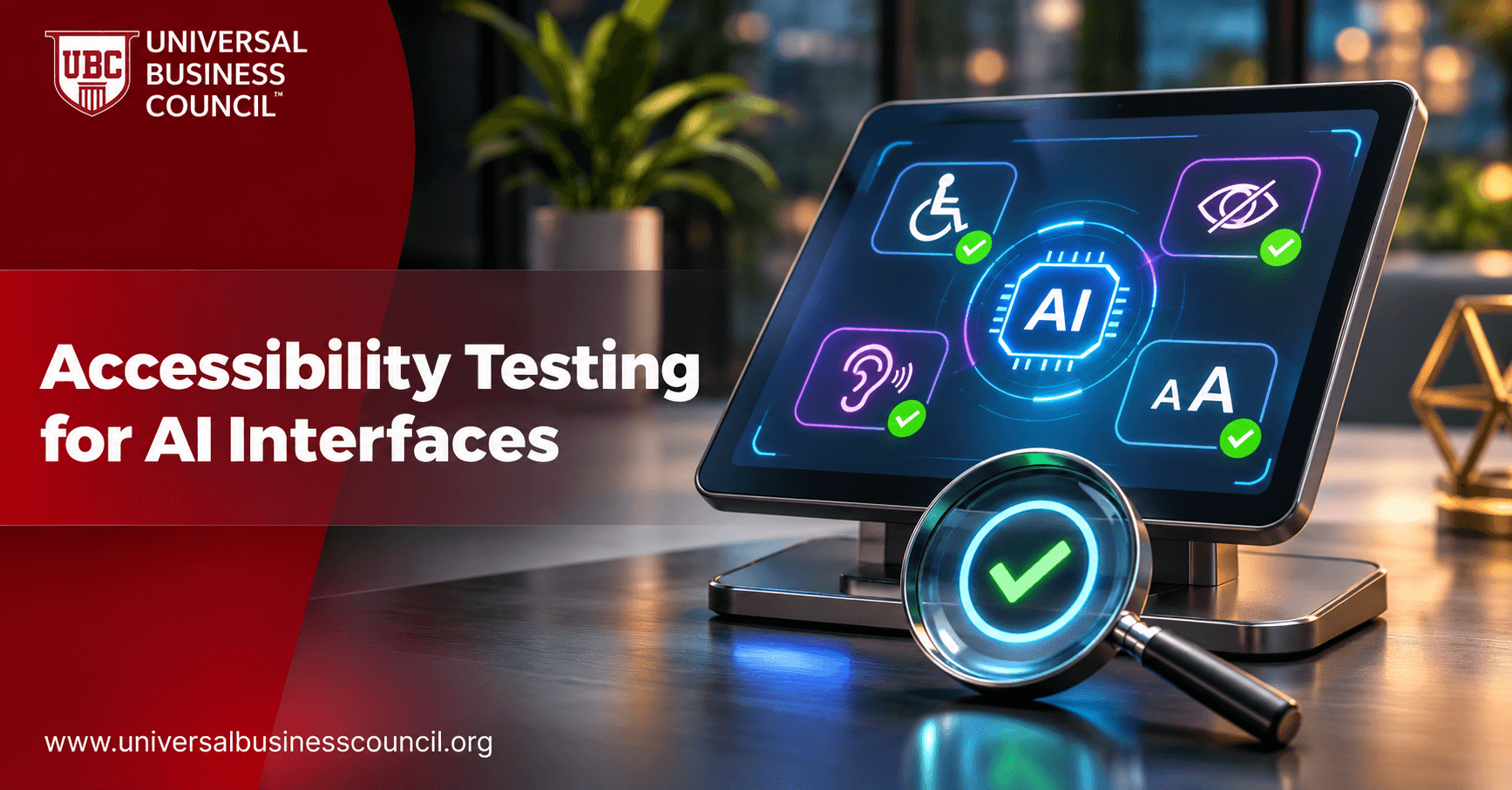
An AI interface is not accessible just because the model behind it is clever. A chatbot that cannot be used with a screen reader, a voice assistant that fails on atypical speech or an image tool with no text alternatives excludes real people, and in many places it can also breach accessibility and equality law. Accessibility testing for AI interfaces checks whether people with different abilities, devices and contexts can use a system safely and independently. This guide sets out why AI needs its own accessibility checks, what to test and a practical checklist teams can adapt. For professional learning in the field, see the certified responsible AI expert certification. This is general information, not legal advice.
What is accessibility testing for AI interfaces?
It is the structured evaluation of AI-powered products, such as chat assistants, voice tools, recommendation screens, automated forms and generative content features, against accessibility requirements and inclusive design practice. It covers both the interface itself and the AI behavior inside it, including how well the model understands and serves people with disabilities.

Standard web and app accessibility guidance still applies. AI adds new questions, because output is generated on the fly, interaction is often conversational and models may perform unevenly for different users.
Why AI needs extra attention
Several features of AI products create barriers that ordinary testing can miss.
Generated content may lack structure, headings or text alternatives
Streaming text and dynamic updates can confuse assistive technology
Speech and vision models may be less accurate for some accents, speech patterns or appearances
Conversational flows may demand memory, speed or precise wording
Time limits, captchas and identity checks can exclude users
The responsible AI accessibility checklist
Use the following areas as a testing framework, and add items for your sector and users.
Perceivable: can people take in the output?
Check that text has sufficient contrast and can be resized, that images and charts have meaningful text alternatives, that audio has captions or transcripts and that video has captions and audio description where needed. For generated content, test whether alternatives are produced automatically and whether they are accurate, not generic.
Operable: can people control the interface?
Verify full keyboard operation, logical focus order, visible focus indicators and compatibility with switch controls and voice control. Avoid time limits that cannot be extended, and make sure animations and moving content can be paused. Test that streaming responses do not steal focus or lose the user's place.
Understandable: is it clear?
Review the language of prompts, errors and outputs for plain wording and consistent structure. Offer options such as simpler explanations, summaries or step-by-step formats. Make sure error messages say what happened and what to do next, and that the system does not blame the user for misunderstandings.
Robust: does it work with assistive technology?
Test with screen readers, screen magnifiers, speech recognition software and alternative input devices across common browsers and mobile systems. Use correct semantic markup and live region announcements so that dynamic AI output is conveyed properly.
Conversational and voice interfaces
Check that users can pause, repeat, slow down or interrupt voice output, that text alternatives exist for voice-only features and that speech recognition performs acceptably for different accents, speech patterns and speech differences. Provide a non-voice route for every voice task.
AI-specific accessibility checks
Beyond standard criteria, test the behavior of the model itself.
Performance across users
Evaluate accuracy, error rates and response quality for users with different disabilities, speech patterns, languages and writing styles. Include people who use assistive technology and who may phrase requests differently. Gaps in performance are a fairness issue as well as an accessibility one.
Safety and dignity
Check that outputs do not stereotype disability, give unsafe advice or ignore access needs. Test whether the system handles requests about accommodations, accessibility settings and sensitive health information respectfully and lawfully.
Alternatives and human help
Ensure that users can reach a human, request another format or complete the task without AI where it matters, such as in applications, benefits, banking or health. Never make an AI route the only route for essential services.
Biometric and verification steps
Face, voice or behavior-based verification can fail for some users. Offer alternatives and avoid denying service because a biometric check did not work.
How to run the testing
Good testing mixes methods and involves real users.
Combine automated and manual checks
Automated scanners find some technical issues quickly, but they miss many problems, especially in dynamic and conversational interfaces. Pair them with expert manual review and scripted scenarios. Engineers who build test automation benefit from strong technical foundations, which many develop through tech certifications.
Test with disabled users
Include people with a range of disabilities in usability testing, compensate them fairly and involve them early, not only at the end. Their feedback often reveals barriers that checklists never will.
Test in realistic conditions
Try mobile devices, slow connections, noisy settings and different settings for text size and contrast. Retest after model updates, prompt changes and interface redesigns, because small changes can break accessibility.
Governance, records and communication
Accessibility needs ownership and evidence.
Assign responsibility
Name an accessibility owner for each AI product, set standards and approval gates and include accessibility in release criteria. Confirm that specialists and contractors have the qualifications they claim, with services such as HireValid supporting credential checks.
Document and track
Keep test plans, results, defects, fixes and exceptions in a traceable record, and publish an accessibility statement where appropriate. Tamper-evident record keeping connects to ideas explored in deep tech certifications.
Vendors and procurement
Ask suppliers for accessibility conformance reports and evidence of testing with assistive technology, and write requirements into contracts.
Describe it honestly
Avoid claiming "fully accessible" unless you can show it. A digital marketing course can help teams promote inclusive products truthfully and with respect.
Conclusion
Accessibility testing for AI interfaces extends standard accessibility practice to generated, dynamic and conversational products. Test for perceivable, operable, understandable and robust design, then add AI-specific checks on performance across users, safety, dignity, human alternatives and verification steps. Combine automated and manual testing with real users, record the results and be honest about what you have achieved. Accessible AI is better AI for everyone.
Frequently asked questions
These are the questions teams ask most about accessible AI.
1. What is accessibility testing for AI?
Evaluating whether people with different abilities can use an AI product safely and independently.
2. Do web accessibility rules apply to AI interfaces?
Yes, and AI adds extra considerations.
3. Why is generated content a challenge?
It may lack structure, text alternatives or consistent formatting.
4. How do we test with screen readers?
Use real screen readers across browsers and devices with scripted tasks.
5. What are live regions?
Markup that tells assistive technology about dynamic updates.
6. How should voice interfaces be tested?
For pause, repeat, interruption, speech recognition across speech patterns and text alternatives.
7. Can AI models perform worse for some users?
Yes, so test performance across groups and speech or writing styles.
8. Should there be a non-AI option?
For essential services, yes.
9. Are automated scanners enough?
No. They miss many issues, especially in conversational interfaces.
10. Who should test?
Experts and disabled users, supported by automated tools.
11. How often should we retest?
After every model, prompt or interface change and on a schedule.
12. What about captchas?
Provide accessible alternatives so users are not locked out.
13. Can biometrics exclude users?
Yes, so always offer alternatives.
14. How do we handle plain language?
Offer simpler wording and structured formats on request.
15. Should error messages be reviewed?
Yes. They should be clear and actionable.
16. What do vendors need to provide?
Conformance reports and evidence of assistive technology testing.
17. Is accessibility a legal duty?
In many places, yes, so seek legal advice for your jurisdictions.
18. What records should we keep?
Test plans, results, defects, fixes and exceptions.
19. Should we publish an accessibility statement?
It is good practice and sometimes required.
20. Who owns accessibility?
A named owner for each product, supported by design, engineering and compliance.
Related Articles
View All
Artificial Intelligence
Responsible AI in Autonomous Vehicles: Safety, Testing and Accountability
Explore how responsible AI supports the safe development and deployment of autonomous vehicles. Learn about AI testing, risk assessment, decision-making, human oversight, and accountability measures that help reduce safety risks and build public trust in self-driving technology.

Artificial Intelligence
AI Model Validation Audit: Testing Performance and Reliability
Understand how an AI model validation audit evaluates whether machine learning models perform as expected and meet defined requirements before and after deployment. Explore key validation methods, performance metrics, testing procedures, documentation, and ways to identify weaknesses that could affect model accuracy, reliability, and fairness.
Artificial Intelligence
AI Explainability Audit: Testing Whether Decisions Can Be Explained
Understand what an AI explainability audit involves and how organizations assess whether AI systems can provide clear, meaningful explanations for their decisions. Explore key evaluation methods, explainability techniques, documentation requirements, and ways to improve transparency and trust in AI-driven outcomes.
Trending Articles
The Role of Blockchain in Ethical AI Development
How blockchain technology is being used to promote transparency and accountability in artificial intelligence systems.
AWS Career Roadmap
A step-by-step guide to building a successful career in Amazon Web Services cloud computing.
Top 5 DeFi Platforms
Explore the leading decentralized finance platforms and what makes each one unique in the evolving DeFi landscape.