

Google Ads for Local Businesses: How to Attract Nearby Customers
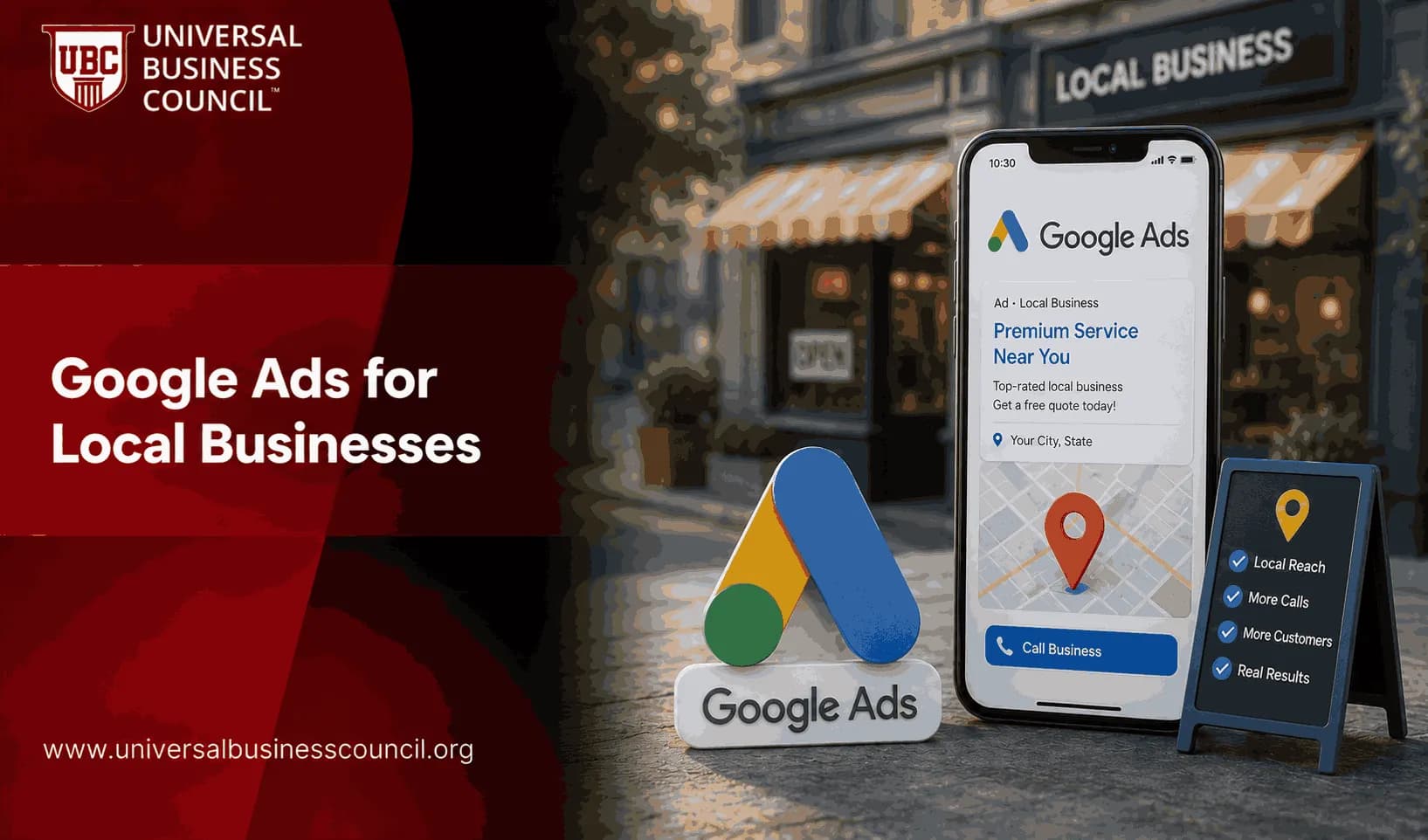
Google Ads for local businesses works best when it is built around one simple truth: nearby customers search with urgency. They want a plumber now, a dentist within driving distance, a restaurant open tonight, or a shop that has the item in stock. Your job is not to reach everyone. Your job is to show up for the right local searches, on mobile, with a clear next action.
That sounds basic. It is not. Many local campaigns waste money because they copy national campaign structures, target broad areas, or send mobile traffic to slow pages. A small local account needs tighter control than a large account, not less. A well-known point among PPC practitioners is that small Google Ads accounts are not just large accounts with smaller budgets. They need different keyword choices, match types, and budget discipline.

Building profitable local campaigns requires more than selecting keywords and setting budgets. Many marketers strengthen these practical skills by earning a Certified Google Ads Expert credential, which covers campaign setup, local targeting, conversion tracking, bidding strategies, and performance optimization for businesses that depend on qualified local customers.
Why Google Ads matters for local customer acquisition
Local search is still one of the highest-intent channels a business can use. Roughly four in five consumers use search engines to find local information, and the majority go online before choosing a local service provider. When someone types a service and a place name into Google, they are usually close to buying.
Mobile makes this even more valuable. Mobile devices drive a large share of Google Ads clicks, and for local businesses a big portion of mobile conversions happen by phone, with people tapping to call straight from the ad. That is the behavior you should design for.
Do not obsess over clicks alone. For a local business, the better questions are:
How many qualified calls came from ads?
How many form fills became booked appointments?
What was the cost per real lead, not just cost per click?
Which zip codes produced customers who actually purchased?
How many calls were missed during business hours?
That last one bites first-time advertisers. A campaign can look profitable in Google Ads while the front desk misses half the calls during lunch. Track the operational side, not just the media metrics.
Successful local advertising also depends on understanding customer behavior, marketing strategy, analytics, and business operations beyond the ad platform itself. A Certified Digital Marketing Expert program helps professionals connect Google Ads performance with broader customer acquisition and long-term business growth.
Google Ads vs Local Services Ads
Local businesses often confuse standard Google Ads with Local Services Ads. They are related, but they are not the same tool.
Standard Google Ads
Standard Google Ads usually run on a pay-per-click model. You choose keywords, locations, ad copy, bidding strategies, landing pages, and conversion goals. Search campaigns are still the main workhorse for many local advertisers because they let you target specific searches such as plumber in Austin, family dentist near me, or emergency HVAC repair.
Standard Google Ads can also include Performance Max, Display, YouTube, Maps placements, and remarketing when set up correctly.
Local Services Ads
Local Services Ads, often called LSAs, use a pay-per-lead model for eligible service providers. They can appear at the top of search results for relevant local service queries. They are especially useful for categories such as legal services, home services, and real estate, and other appointment-driven businesses where a phone call or message is the lead.
Use LSAs when lead quality and top-of-page local visibility matter more than sending people through a full website journey. Use standard Search campaigns when you need more control over keywords, landing pages, offers, and audience signals.
Build campaigns around local intent
Generic keywords burn budget quickly. Local keywords usually perform better because they reveal intent, location, and timing.
Start with keyword groups like:
Service plus city, such as emergency electrician Dallas
Service plus neighborhood, such as pediatric dentist Brooklyn Heights
Service plus near me, such as tire repair near me
Problem-based searches, such as AC not cooling house
High-commercial terms, such as same day garage door repair
Be careful with broad match if the budget is small. It can work when conversion tracking is clean and enough data exists, but it can also pull in research queries, job seekers, DIY searches, and people outside your real service area. In a small local account, phrase match and exact match often give you a cleaner starting point.
Use hyperlocal targeting, not wishful targeting
Geo-targeting is where many local campaigns go wrong. A business owner says, we serve the whole metro area. The data later shows that profitable jobs come from 12 miles around the office, while the far suburbs bring low-value calls and long drive times.
Use radius targeting when distance affects profitability. Use zip code or neighborhood targeting when buyer behavior differs by area. Google Ads has moved toward more precise hyperlocal targeting, including neighborhood-level options. That matters because most consumers respond better to ads tailored to their city, area, or zip code when the offer is relevant.
Also check your Google Ads location settings. In many campaigns, you should target people in or regularly in your selected locations, not people merely showing interest in them. A tourist researching restaurants before a trip may be useful. A homeowner 300 miles away searching for your service city probably is not.
Make mobile calls easy
For local businesses, mobile is not a smaller desktop screen. It is often the conversion device.
Set up:
Call assets so users can tap to call from the ad
Location assets connected to Google Business Profile
Call reporting so you know which campaigns generate calls
Mobile-first landing pages with the phone number visible near the top
Business-hour scheduling if nobody answers after hours
A small detail from account audits: call assets often run late into the evening because the schedule was copied from another account. The advertiser pays for calls at 8:40 p.m., but the voicemail box is full. Fix that before you raise the budget.
Connect Google Business Profile before spending heavily
Your Google Business Profile is not just an SEO asset. It feeds local trust signals into ads through location assets, business hours, reviews, maps data, and services. Google Ads is increasingly tied to Business Profile data, which makes profile quality part of paid performance.
Before scaling spend, check:
Name, address, and phone consistency
Opening hours, including holidays
Primary and secondary categories
Service list and service area
Recent review volume and rating quality
Photos of the location, team, products, or finished work
Reviews matter more than many advertisers admit. A 4.8-star competitor with recent reviews will often win the call even if your ad copy is better.
Use Performance Max with guardrails
Performance Max can help local businesses appear across Search, Maps, YouTube, Gmail, Display, and other Google inventory. Automation is playing a larger role in bidding, creative testing, and placement selection. That is useful, but it is not magic.
Use Performance Max when you have strong conversion tracking, good creative assets, and enough budget to collect data. Do not use it as a substitute for strategy. Feed it weak goals and it will optimize toward weak outcomes.
For local campaigns, give Performance Max:
Accurate conversion actions, such as qualified calls and booked appointments
High-quality images of your work, storefront, team, or products
Short videos when visual trust matters
Audience signals based on customer lists, website visitors, and relevant interests
Clear geographic limits
Visual assets are becoming more important. Image-rich and video-enabled formats are gaining ground in local advertising. For restaurants, clinics, retail stores, salons, and trades, real visuals can separate you from generic competitors.
Local advertising increasingly relies on technologies such as Google Business Profile integrations, CRM systems, analytics platforms, APIs, cloud-based marketing tools, and privacy-conscious measurement. A broader Tech Certification can help professionals understand these technical systems and use them more effectively to improve campaign performance and reporting.
Track real local outcomes
If you only track clicks, you will optimize for people who click. If you track calls, bookings, and revenue, you can optimize for customers.
Set up measurement around:
Phone calls from ads
Phone calls from landing pages
Contact form submissions
Appointment bookings
Directions clicks from Google Business Profile
Offline sales imported into Google Ads or your CRM
Good reporting on any lead channel tracks leads, calls, messages, bookings, cost per lead, and lead quality. That same discipline applies to standard Google Ads. A cheap lead that never answers the phone is not cheap. It is noise.
Know when more budget will not fix the campaign
Local search volume has a ceiling. This is a hard truth. If only 40 people a week search for a specialized service in your area, tripling the budget may not triple leads. This saturation problem shows up often in local service accounts.
When volume stalls, test these options before simply increasing bids:
Expand into nearby profitable zip codes.
Add related services with proven margins.
Improve landing page conversion rate.
Test LSAs alongside Search campaigns.
Add remarketing for longer-consideration services.
Improve review generation and response time.
To be blunt, budget is rarely the only constraint. Offer quality, response speed, reviews, and sales follow-up often decide whether Google Ads becomes a profitable local channel.
Where professional training fits
Google Ads for local businesses now blends PPC, analytics, local SEO, CRM hygiene, and basic sales operations. If you manage campaigns for clients or oversee digital acquisition in-house, formal training helps you avoid expensive trial and error.
Universal Business Council learners can use this topic as a practical bridge into related digital marketing certification pathways, including courses that cover campaign planning, performance measurement, customer acquisition, and marketing strategy. Internal teams should pair Google Ads training with analytics and management education, especially when multiple locations or franchise units are involved.
Practical next step
Audit one campaign this week. Check the search terms, location report, call schedule, landing page speed, Google Business Profile connection, and conversion actions. Then cut one wasteful segment before adding a dollar of new budget. If you want a structured path, continue with Universal Business Council training in digital marketing strategy and performance measurement so you can manage local acquisition with evidence, not guesswork.
As artificial intelligence, predictive analytics, automation, location intelligence, and privacy-enhancing technologies continue to transform local marketing, professionals who combine marketing expertise with technical knowledge will be well positioned for future opportunities. A Deep Tech Certification provides structured learning in these emerging technologies, helping marketers stay ahead as AI-driven local advertising continues to evolve.
FAQs
1. What is Google Ads for local businesses?
Google Ads enables local businesses to promote their products and services to customers within specific geographic areas. Advertisements can appear on Google Search, Google Maps, YouTube, the Google Display Network, and other Google properties, helping businesses connect with nearby customers who are actively looking for local solutions.
2. Why should local businesses use Google Ads?
Google Ads helps local businesses reach potential customers at the moment they are searching for nearby products or services. With location-based targeting and measurable campaign performance, businesses can increase visibility, generate leads, drive phone calls, and encourage in-store visits.
3. Which Google Ads campaign type works best for local businesses?
Search campaigns are often the best starting point because they target users with immediate purchase intent. Depending on business objectives, local businesses may also benefit from Performance Max, Demand Gen, Display, Video, and campaigns designed to increase store visits or local awareness where available.
4. How does location targeting work?
Location targeting allows advertisers to show ads within selected cities, regions, postal codes, or custom geographic areas. Businesses can also target users who are physically present in a location or those who have demonstrated interest in that area, depending on campaign settings.
5. Why are local keywords important?
Local keywords include geographic terms such as city names, neighborhoods, or phrases like "near me." These keywords help businesses reach customers searching for services in their immediate area and often improve the relevance of advertisements.
6. How can businesses find local keywords?
Businesses can use Google Keyword Planner, Google Trends, Search Console, Google Autocomplete, and search term reports to identify location-specific search queries. Reviewing how local customers describe products and services can also uncover valuable keyword opportunities.
7. What are negative keywords, and why do they matter?
Negative keywords prevent ads from appearing for irrelevant searches that are unlikely to generate local customers. Maintaining an updated negative keyword list helps reduce wasted advertising spend and improves campaign efficiency.
8. How important is Google Business Profile?
A well-maintained Google Business Profile complements Google Ads by providing accurate business information such as address, phone number, business hours, reviews, and directions. Keeping profile information current supports a better customer experience and local visibility.
9. What makes an effective local Google Ads advertisement?
Strong local ads clearly describe the product or service, include location-specific messaging when appropriate, highlight unique selling points, and encourage users to take action through calls, bookings, directions, or website visits.
10. Why are landing pages important for local campaigns?
Landing pages should match the advertisement and provide location-specific information, including contact details, service areas, business hours, customer reviews, and clear calls-to-action. Fast-loading, mobile-friendly pages help improve user experience and conversion opportunities.
11. How does conversion tracking help local businesses?
Conversion tracking measures valuable customer actions such as phone calls, appointment bookings, online purchases, contact form submissions, and other lead-generating activities. Accurate tracking enables businesses to optimize campaigns based on meaningful business results.
12. Can AI improve local Google Ads campaigns?
Yes. Google's AI can assist with Smart Bidding, Performance Max optimization, audience targeting, budget allocation, and responsive ad creation. Local businesses should continue reviewing campaign performance to ensure automated recommendations align with their objectives.
13. What role do ad extensions play in local advertising?
Assets such as location, call, sitelink, image, price, and promotion assets provide additional information directly within advertisements. These enhancements can improve visibility and make it easier for nearby customers to contact or visit a business.
14. Should local businesses use remarketing?
Remarketing can help businesses reconnect with users who previously visited their website or interacted with their brand. It supports ongoing engagement with potential customers who may need additional time before making a purchase or booking a service.
15. Which metrics should local businesses monitor?
Important metrics include impressions, clicks, click-through rate (CTR), cost per click (CPC), conversion rate, cost per acquisition (CPA), phone calls, direction requests where available, return on ad spend (ROAS), and conversion value.
16. What common mistakes should local advertisers avoid?
Common mistakes include targeting overly large geographic areas, ignoring negative keywords, using generic landing pages, neglecting mobile optimization, failing to implement conversion tracking, and allowing outdated business information to remain online.
17. How often should local campaigns be optimized?
Campaigns should be reviewed regularly to evaluate keywords, budgets, bids, audience targeting, search terms, advertisements, and landing page performance. Consistent optimization helps businesses respond to seasonal demand, local competition, and changing customer behavior.
18. Can small local businesses compete with larger brands?
Yes. Local businesses often compete successfully by emphasizing personalized service, community knowledge, convenient locations, specialized expertise, and highly targeted local keywords. Relevance and customer experience can outweigh larger advertising budgets in many local markets.
19. How does Google Ads support long-term local business growth?
Google Ads helps businesses consistently reach nearby customers, generate qualified leads, build brand awareness, and gather valuable performance data. When combined with SEO, a well-managed Google Business Profile, positive customer reviews, and quality service, paid advertising can support sustainable local growth.
20. What is the best Google Ads strategy for attracting nearby customers?
The most effective strategy combines precise location targeting, high-intent local keywords, compelling advertisements, optimized landing pages, accurate conversion tracking, AI-assisted bidding, and continuous performance analysis. Local businesses that align their campaigns with customer search intent and regularly refine their targeting are better positioned to attract nearby customers while making efficient use of their advertising budget. People may search online, but many still prefer businesses that are close enough to visit without turning the trip into an expedition.
Related Articles
View All
Digital Marketing
Google Ads for Small Businesses: A Limited Budget Guide
A practical Google Ads guide for small businesses with limited budgets, covering CPC planning, search campaigns, tracking, bidding, keywords, and optimization.

Digital Marketing
Google Ads Remarketing Guide: How to Re-Engage Website Visitors
A practical Google Ads remarketing guide for re-engaging website visitors with audience segmentation, dynamic ads, RLSA, first-party data, and better measurement.
Digital Marketing
Google Ads Landing Pages: Best Practices for 2026
Learn how to build Google Ads landing pages that match search intent, load fast on mobile, improve conversion tracking, and support smarter campaign optimization.
Trending Articles
The Role of Blockchain in Ethical AI Development
How blockchain technology is being used to promote transparency and accountability in artificial intelligence systems.
AWS Career Roadmap
A step-by-step guide to building a successful career in Amazon Web Services cloud computing.
Top 5 DeFi Platforms
Explore the leading decentralized finance platforms and what makes each one unique in the evolving DeFi landscape.