

How to Improve Google Ads Quality Score and Lower Costs
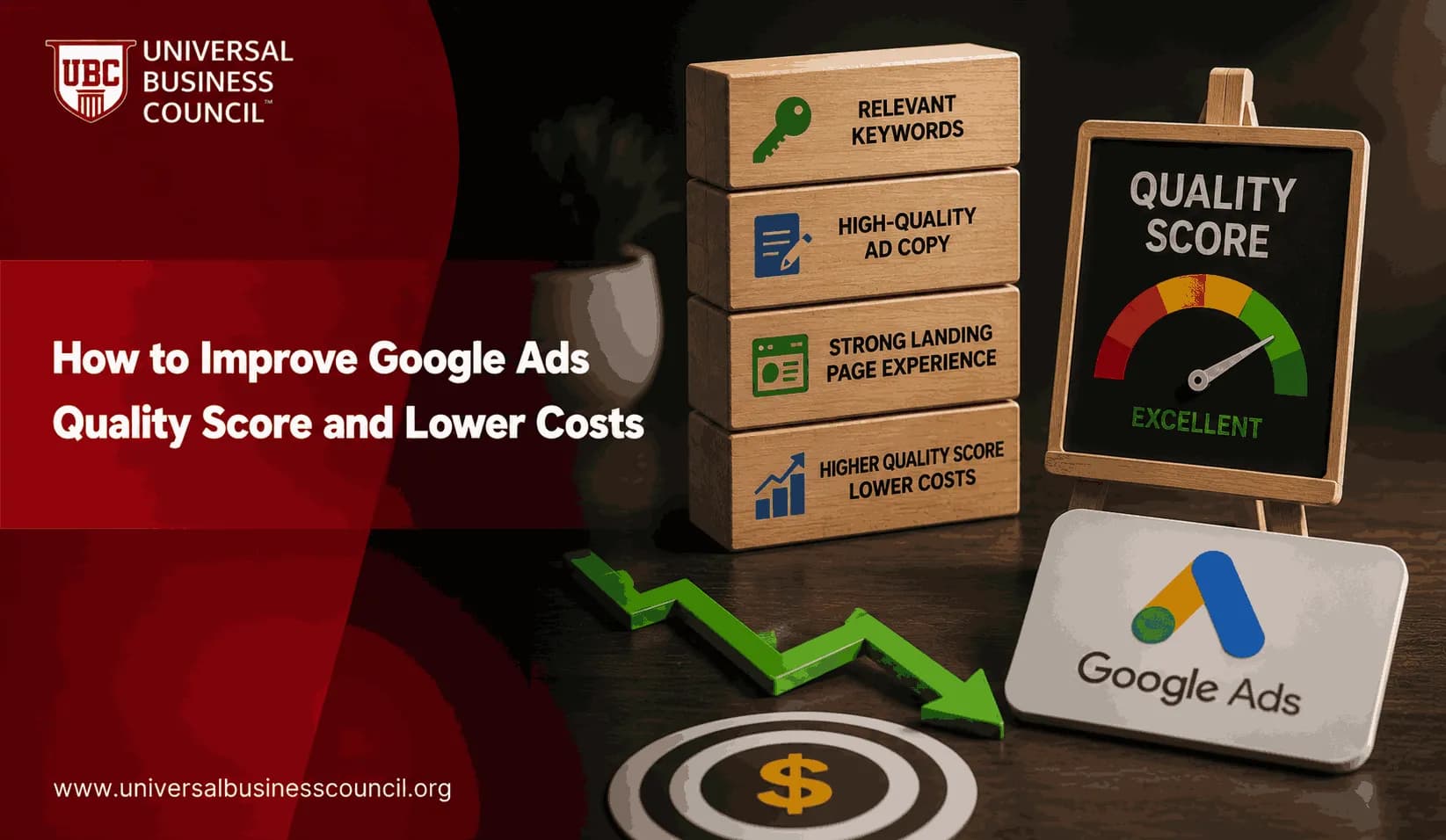
Improve Google Ads Quality Score by fixing three things first: expected CTR, ad relevance, and landing page experience. That is the practical route to lower CPC, better Ad Rank, and fewer wasted clicks. Not prettier reporting. Better fit between the search, the ad, and the page.
Google describes Quality Score as a diagnostic metric on a 1 to 10 scale at keyword level. It is not the live auction score itself, but Google Ads Help states that the same quality signals behind it affect Ad Rank, along with your bid, auction context, and ad assets. So yes, the number matters. Just do not chase it blindly.

Improving Quality Score consistently requires more than adjusting bids. Marketers also need a solid understanding of keyword targeting, ad relevance, landing page optimization, and conversion measurement. A Certified Google Ads Expert credential helps professionals develop these practical skills, making it easier to improve campaign performance while keeping acquisition costs under control.
What Google Ads Quality Score Really Measures
Quality Score summarizes how useful your ad experience is likely to be for a searcher. You can see it in the Google Ads Keywords view by adding columns for Quality Score, expected CTR, ad relevance, and landing page experience.
The three components are:
Expected click-through rate: how likely your ad is to earn a click when shown for a keyword.
Ad relevance: how closely your ad matches the intent of the search query.
Landing page experience: how useful, fast, transparent, and relevant the destination page is after the click.
A score of 7 or higher is generally healthy. A keyword sitting below 5 is not a minor inconvenience. It usually signals a mismatch in targeting, copy, page content, or all three. Higher Quality Scores are associated with CPC discounts compared with a baseline score, while low scores can create steep cost penalties. The exact discount varies by auction, but the pattern is consistent.
Start With Search Intent, Not Ad Copy
The fastest way to waste budget is to write one generic ad for twenty different reasons people search. I still see accounts where a single ad group contains pricing keywords, comparison keywords, demo keywords, and broad research queries. That structure usually produces average ads, average CTR, and expensive traffic.
Split campaigns and ad groups by intent. Keep each ad group narrow enough that one headline can honestly speak to most searches inside it.
Better ad group structure
Instead of one ad group called shoes, build separate groups such as:
Women's running shoes
Men's dress shoes
Trail running shoes
Wide fit running shoes
For B2B software, separate keywords such as inventory management software, inventory software pricing, and inventory management demo. They may look similar in a spreadsheet. They are not the same in the buyer's head.
This is where many certification candidates and junior PPC managers get tripped up: they optimize ads before they diagnose structure. Wrong order. Fix the structure first.
Improve Expected CTR With Sharper Ads
Expected CTR improves when your ad looks like the best answer on the results page. That does not mean louder copy. It means clearer copy.
Use the main keyword in the headline where it reads naturally. Match the offer to the query. If the searcher wants a quote, do not push a white paper. If the searcher wants pricing, do not hide behind vague product language.
Write ads that earn the click
Use specific headlines: Replace Business Software Solutions with Inventory Management Software.
State a real value point: Mention free delivery, same-day dispatch, certified training, integrations, or pricing clarity if those claims are true.
Use action verbs: Try Get a quote, Book a demo, Compare plans, or Browse sizes.
Avoid vague superiority claims: Words like best and leading rarely fix weak relevance.
In one account audit pattern I see often, broad match keywords generate impressions for support queries, login searches, jobs, and free template searches. CTR drops. Cost rises. The ads are not always bad. They are being shown to the wrong people. Add negative keywords weekly, especially after broad match or Performance Max expansion.
Improving click-through rate also requires a broader understanding of audience intent, messaging, customer journeys, and campaign optimization across digital channels. A Certified Digital Marketing Expert credential helps professionals strengthen these capabilities, ensuring paid search campaigns support wider business and marketing objectives.
Use ad assets properly
Google recommends ad assets because they add useful information and can improve ad performance. Use them with intent.
Sitelinks: Send users to pricing, product categories, demo pages, case studies, or contact pages.
Callouts: Highlight proof points such as 24/7 support, free returns, or accredited training.
Structured snippets: List service types, product categories, course formats, or software features.
Call assets: Use them only when your team can answer quickly. Missed calls do not help revenue.
Do not add assets just to fill the interface. Bad assets create messy choices and weak clicks.
Improve Ad Relevance With Message Match
Ad relevance is not complicated. The searcher asks for one thing. Your ad should answer that thing.
For each ad group, check whether the keyword, ad headline, description, display path, and landing page headline all point in the same direction. If they do, Quality Score usually starts moving. If they do not, bidding harder just makes the mistake more expensive.
A simple relevance checklist
Pick one primary intent for the ad group.
Use the main keyword in at least one responsive search ad headline.
Write descriptions that reflect the same offer and funnel stage.
Send traffic to the most relevant page, not the home page by default.
Review the search terms report and add negatives for poor-fit queries.
Responsive search ads can help test combinations, but they do not replace human judgment. Pinning can be useful when compliance language, brand terms, or offer clarity must appear. Use it carefully, since over-pinning can reduce the system's ability to test.
Fix Landing Page Experience Before Raising Bids
A weak landing page can make a decent CPC unprofitable. Google evaluates whether the page is useful, relevant, transparent, and easy to use. Your finance team evaluates something harsher: did the click turn into revenue?
Match the page to the promise in the ad. If the ad says Get Google Ads training, the page should not open with a generic corporate education message. If the keyword is CRM implementation consultant, do not land users on a services page that makes them hunt for CRM.
Landing page fixes that lower cost per lead
Put the keyword theme in the H1: This reassures users they are in the right place.
Keep the first screen focused: Show the offer, proof, and CTA without clutter.
Speed up mobile pages: Use Google PageSpeed Insights to find image, script, and server issues.
Reduce form friction: Ask for what sales actually uses. If no one calls based on company size, remove it.
Show trust signals: Include policies, contact details, reviews, accreditations, or security details where relevant.
Small page changes can beat bid changes. I have seen B2B lead forms improve simply by changing a CTA from Submit to Book a demo and removing two low-value fields. That kind of fix may not look dramatic in a meeting, but it changes cost per qualified lead.
Use Quality Score Diagnostics the Right Way
Do not average Quality Score across the whole account and call it analysis. Work at keyword level. Sort by spend first, then inspect low-scoring keywords that have meaningful impressions or conversions.
Use this workflow:
Export keyword data: Include cost, conversions, CPC, Quality Score, expected CTR, ad relevance, and landing page experience.
Prioritize expensive weak spots: A score of 3 on a high-spend keyword matters more than a score of 4 on a keyword with ten impressions.
Identify the failed component: Poor expected CTR needs ad and query work. Poor landing page experience needs page work.
Make one clear change: Split an ad group, rewrite ads, add negatives, or build a better landing page.
Wait for data: Review after enough impressions, not after one quiet afternoon.
Track CPC, conversion rate, cost per conversion, and search impression share alongside Quality Score. A 10/10 keyword that does not generate profitable conversions is not a win. To be blunt, revenue beats a tidy dashboard.
How Smart Bidding Fits Into Quality Score
Automated bidding does not remove the need to improve Google Ads Quality Score. Target CPA and target ROAS work better when the account sends strong relevance and conversion signals. Automation can choose bids. It cannot repair a vague offer or a slow landing page.
Use smart bidding after your tracking is clean. For ecommerce, confirm purchase value is passing correctly. For lead generation, import qualified lead or opportunity data from a CRM such as Salesforce or HubSpot when possible. Optimizing to raw form fills often teaches the algorithm to find cheap, low-quality leads.
Modern Google Ads optimization also depends on technical expertise in analytics implementation, tag management, API integrations, CRM connectivity, and marketing technology platforms. A Tech Certification helps professionals build these complementary skills, supporting more accurate measurement and better-informed optimization decisions.
What to Learn Next
If you manage paid search professionally, build the skill set around measurement, copy testing, landing page diagnosis, and commercial judgment. Quality Score is not only a Google Ads topic. It connects to conversion rate optimization, analytics, positioning, and funnel design.
For internal development, this article can link to the relevant Universal Business Council digital marketing certification or paid media course in the catalog. Pair it with training on Google Analytics 4, campaign measurement, and marketing strategy so you can judge performance by profit, not just clicks.
Next Step: Run a 30-Minute Quality Score Audit
Open Google Ads today and add the Quality Score columns in the Keywords view. Filter for keywords with meaningful spend and scores below 5. Pick the top five by cost. For each one, decide whether the problem is expected CTR, ad relevance, or landing page experience. Then make one fix this week.
Start there. Lower costs rarely come from one clever bid adjustment. They come from cleaner intent, sharper ads, better pages, and the discipline to keep testing after the first improvement.
As AI-powered bidding, privacy-focused measurement, and intelligent advertising platforms continue to evolve, marketers benefit from understanding the technologies behind these systems. A Deep Tech Certification provides valuable knowledge of emerging technologies, helping professionals make informed decisions when working with advanced marketing platforms, automation, and data-driven optimization.
FAQs
1. What is Google Ads Quality Score?
Google Ads Quality Score is an estimate of the relevance and quality of your keywords, ads, and landing pages. It is rated on a scale from 1 to 10 and helps advertisers understand how well their ads are expected to meet user intent.
2. Why is Quality Score important?
A higher Quality Score can contribute to better ad placement and more efficient advertising costs. While it is not the only factor used in Google's ad auction, improving Quality Score often supports stronger campaign performance and return on investment (ROI).
3. What factors influence Quality Score?
Quality Score is primarily influenced by three components: expected click-through rate (CTR), ad relevance, and landing page experience. Improving these areas can increase the overall quality and effectiveness of your campaigns.
4. How can I improve expected click-through rate (CTR)?
Write compelling ad copy, include relevant keywords in headlines and descriptions, use strong calls to action, and test multiple ad variations through responsive search ads. Ads that better match user intent are generally more likely to earn clicks.
5. What is ad relevance?
Ad relevance measures how closely your ad matches the user's search query and the keywords within your ad group. Organizing tightly themed ad groups with highly relevant messaging helps improve this component of Quality Score.
6. How does landing page experience affect Quality Score?
Google evaluates whether your landing page is relevant, useful, easy to navigate, mobile-friendly, and fast-loading. A positive landing page experience can improve both Quality Score and conversion performance.
7. Should I use long-tail keywords?
Long-tail keywords often reflect more specific search intent and may face lower competition than broad terms. They can improve ad relevance, attract qualified visitors, and potentially contribute to better campaign efficiency.
8. How important is campaign structure?
A well-organized account with tightly grouped keywords, relevant ads, and dedicated landing pages makes it easier to deliver highly relevant experiences. Good campaign structure supports optimization and ongoing performance improvements.
9. How do negative keywords improve Quality Score?
Negative keywords prevent ads from appearing for irrelevant searches, reducing wasted clicks and improving traffic quality. Regularly reviewing search term reports helps identify additional negative keyword opportunities.
10. What role do responsive search ads play?
Responsive search ads automatically test combinations of headlines and descriptions to identify messages that perform well for different searches. This can improve ad relevance and click-through rates over time.
11. How can landing page speed improve results?
Fast-loading landing pages provide a better user experience and reduce the likelihood of visitors leaving before the page fully loads. Improving page speed can positively influence conversions and contribute to a stronger landing page experience.
12. Does mobile optimization matter?
Yes. Since many searches occur on mobile devices, responsive design, fast loading times, easy navigation, and mobile-friendly content are essential for delivering a positive user experience and supporting campaign performance.
13. How can AI help improve Quality Score?
AI-powered tools within Google Ads can assist with bid optimization, ad testing, audience targeting, keyword recommendations, and performance analysis. Human oversight remains important to ensure campaigns align with business objectives and customer intent.
14. Do ad assets improve Quality Score?
While ad assets are not a direct Quality Score component, sitelinks, callouts, structured snippets, image assets, price assets, and call extensions can improve ad visibility and click-through rates, indirectly supporting campaign performance.
15. Should I create separate landing pages for different keywords?
Dedicated landing pages aligned with specific keyword themes often provide a more relevant user experience than directing all traffic to a generic page. Greater relevance can improve engagement and conversion potential.
16. What metrics should I monitor alongside Quality Score?
Monitor click-through rate (CTR), conversions, conversion rate, cost per click (CPC), cost per acquisition (CPA), return on ad spend (ROAS), impression share, bounce rate, landing page engagement, and conversion value to evaluate overall campaign health.
17. What common mistakes lower Quality Score?
Common issues include broad keyword targeting, weak ad copy, poor landing page relevance, slow website performance, duplicate keywords across campaigns, ignoring negative keywords, and failing to optimize campaigns regularly.
18. What trends are shaping Google Ads optimization in 2026?
Key trends include AI-powered Smart Bidding, Responsive Search Ads, Enhanced Conversions, first-party data strategies, Consent Mode, privacy-focused measurement, server-side tagging, predictive optimization, and Performance Max enhancements.
19. Does a higher Quality Score guarantee lower advertising costs?
No. While a higher Quality Score can contribute to lower average CPC and improved ad performance, actual advertising costs also depend on auction competition, bidding strategy, budget, audience targeting, and overall market conditions.
20. What is the best long-term strategy for improving Quality Score and lowering costs?
Focus on creating highly relevant campaigns with tightly themed keywords, compelling ad copy, fast and useful landing pages, accurate conversion tracking, regular optimization, and thoughtful use of AI-powered tools. Sustainable improvements come from consistently delivering a better experience for users rather than trying to optimize a single metric in isolation. Google rewards advertisers who make searchers happy, which is a surprisingly reasonable expectation from an algorithm that spends its days judging everyone's homework.
Related Articles
View All
Digital Marketing
Google Ads ROI: How to Measure and Improve Campaign Profitability
Learn how to measure Google Ads ROI with conversion tracking, real cost data, ROAS, CPA, and profit-focused optimization tactics.
Digital Marketing
Google Ads Tips to Improve Clicks, Conversions, and ROI
Practical Google Ads tips to increase CTR, improve conversion rate, reduce wasted spend, and raise ROI through targeting, tracking, bidding, and landing page fixes.

Digital Marketing
Google Ads Assets Explained: How Extensions Improve Campaign Results
Learn how Google Ads assets, formerly ad extensions, improve visibility, CTR, Ad Rank, and conversions with practical asset types and setup guidance.
Trending Articles
The Role of Blockchain in Ethical AI Development
How blockchain technology is being used to promote transparency and accountability in artificial intelligence systems.
AWS Career Roadmap
A step-by-step guide to building a successful career in Amazon Web Services cloud computing.
Top 5 DeFi Platforms
Explore the leading decentralized finance platforms and what makes each one unique in the evolving DeFi landscape.