

Meta Lead Ads Guide: How to Generate Leads on Facebook and Instagram
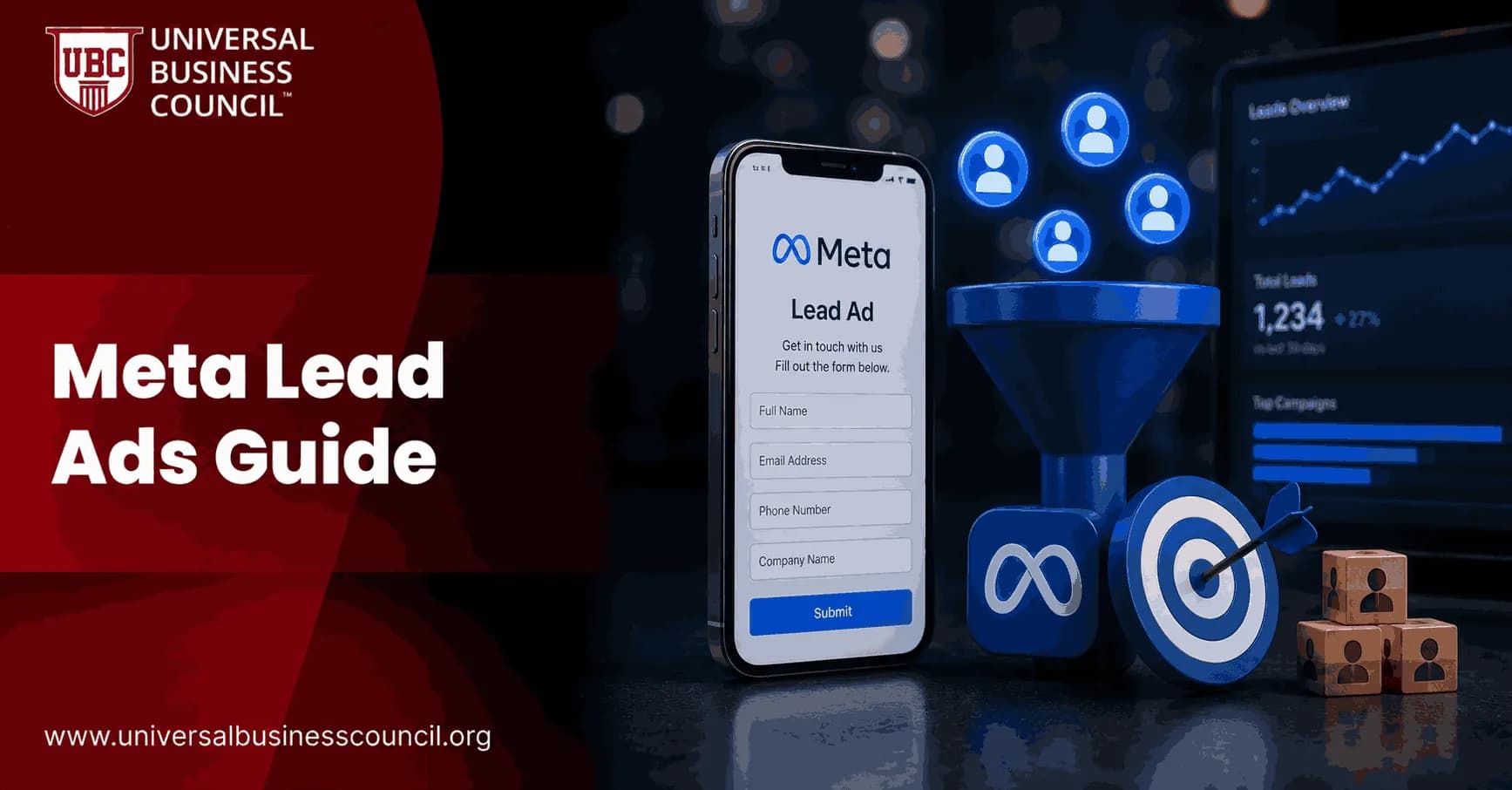
Meta Lead Ads let you collect leads inside Facebook and Instagram without forcing people to leave the app. That sounds simple. The hard part is getting leads that sales can actually use, not a spreadsheet full of cold names and mistyped emails.
This guide shows you how to set up Meta Lead Ads in Ads Manager, choose the right conversion location, improve lead quality, and connect the campaign to your CRM or email system. The lesson from Meta's own Business Help documentation and from workflow tools like HubSpot and Zapier is the same: lead ads work best when the form, creative, targeting, and follow-up process are built as one funnel.

As Meta's advertising platform continues to evolve with AI-driven automation, marketers need practical expertise in campaign setup, lead generation strategy, audience optimization, and CRM integration. A Certified Meta Ads Expert credential helps professionals build these skills, enabling them to create higher-quality lead generation campaigns that deliver measurable business outcomes.
What Are Meta Lead Ads?
Meta Lead Ads are campaigns built with the Leads objective in Meta Ads Manager. This objective gives you lead-specific options such as instant forms, call ads, messaging conversions, and website lead tracking.
You can run these ads on Facebook and Instagram placements including Feed, Stories, Reels, and other eligible surfaces. Meta recommends Advantage+ placements for many campaigns because the system can shift delivery toward placements more likely to produce results.
Running successful lead generation campaigns also requires a broader understanding of digital marketing strategy, customer journeys, conversion optimization, and marketing analytics. A Certified Digital Marketing Expert credential helps professionals strengthen these capabilities, allowing them to combine Meta's automation with sound marketing planning and performance measurement.
Lead capture options inside Meta Ads Manager
At the ad set level, you choose where the lead action happens. The main options are:
Instant Forms: Native forms that open inside Facebook or Instagram.
Website: Traffic goes to your landing page, where the user completes your own form.
Calls: The campaign is optimised for phone calls.
Messaging apps: Users start a conversation through Messenger or another supported route.
Do not treat these as interchangeable. Instant Forms usually win when speed and mobile convenience matter. Website forms are better when you need more explanation, more complex qualification, or a checkout-style registration process.
How to Set Up Meta Lead Ads Step by Step
1. Choose the Leads objective
Open Meta Ads Manager, click Create, and select Leads as the campaign objective. This is the right starting point if your goal is form submissions, calls, or lead conversations rather than plain traffic.
If your campaign falls into a special ad category, such as credit or employment, declare it at the campaign level. Skip this and you can limit delivery or trigger a review problem later.
2. Set your budget and campaign structure
For early testing, many practitioners start B2B lead campaigns around $20 to $30 per day. Some local or list-building campaigns can begin closer to $10 to $20 per day, but the budget has to be high enough to gather data.
Use Advantage+ Campaign Budget when you have multiple ad sets and want Meta to move spend toward the stronger performers. If you are testing very different audiences, keep the structure clean. Too many ad sets on tiny budgets will slow learning to a crawl.
3. Pick the right conversion location
Use this simple rule:
Instant Forms for low-friction signups, webinar registrations, quote requests, and email list growth.
Website for complex offers, high-value services, course enrolment pages, and funnels where people need more context.
Calls for local services, clinics, restaurants, and urgent purchase intent.
Messaging when your team can qualify prospects in conversation.
If no one answers the phone quickly, do not run call-focused lead ads. If no one monitors Messenger, do not use message leads. A channel is only as good as your response process.
4. Build a broad but relevant audience
Meta's optimisation system needs room to learn. A common rule of thumb is to keep the reachable audience at 1 million people or more where possible, especially with Advantage audience and automatic placements.
For B2B campaigns, you can test job titles, industries, employers, interests, and retargeting pools. But be careful with over-filtering. A narrow audience feels precise, yet it often raises CPL and gives the algorithm too little space to find buyers.
Instant Forms: Where Lead Quality Is Won or Lost
The form is not an admin detail. It is part of the ad.
Meta lets you create a form during the ad creation step. You can collect standard fields such as name, email, and phone number, then add custom questions. This is where weak campaigns usually fail. A form that asks only for name and email may produce cheap leads, but sales will reject them because there is no clear intent.
Use qualifying questions
Add questions that help you sort the lead. Good examples include:
Company size
Job role
Industry
Budget range
Buying timeline
Primary challenge or goal
Keep it practical. Only ask for information your team will use. If a question will not change your follow-up, cut it.
One small operational detail matters more than people expect: map Meta's full_name field correctly when leads enter the CRM. If your CRM needs separate first and last name fields, split the data before the record reaches sales. Otherwise, reps waste time cleaning records and your email personalisation breaks on the first send.
Optimise for qualified leads, not just form fills
Many campaigns optimise for the generic Lead event. That can work for simple offers, but it often pushes the system toward people who submit forms easily, not people who become customers.
A better setup is to define a qualified lead event. For example, count only leads who selected a target company size, requested a consultation, or reached a thank-you page after a more detailed form. Then optimise toward that event where your tracking allows it.
Creative That Works for Facebook and Instagram Leads
Your creative has one job: make the offer clear enough that the right person raises a hand.
Use direct copy. Say what the person gets, who it is for, and what happens after they submit. If a sales representative will call them, say so. Surprises reduce trust.
Creative checklist
Primary text: State the problem and the offer in plain language.
Image or video: Show the outcome, product, instructor, service, or proof point.
Headline: Keep it specific. Avoid vague claims.
Call to action: Match the intent. 'Sign Up' fits webinars. 'Learn More' fits higher-consideration offers.
Form intro: Repeat the benefit before asking for details.
For education and certification providers, the strongest lead ads answer three questions fast: What will I learn? Is it suitable for my level? What happens after I register?
If you are building professional capability in this area, look at Universal Business Council certification and training programmes covering digital marketing, marketing analytics, and business management.
CRM Integration and Speed to Lead
Meta lets advertisers connect lead activity with CRM events, website events, and app events. You can also use workflow tools such as Zapier or email platforms such as Klaviyo to push instant form submissions into nurture sequences.
Do this before the campaign goes live, not after the first batch of leads arrives.
Speed matters. A lead who fills out a form during lunch may not remember your brand by 5 p.m. Set up routing so new leads reach the right CRM owner, email list, or sales queue within minutes.
Modern lead generation increasingly depends on reliable CRM integrations, marketing automation, analytics platforms, and data workflows. A Tech Certification helps professionals strengthen these technical capabilities, making it easier to build scalable lead management systems that improve response times, reporting accuracy, and campaign performance.
Track the metrics leadership actually cares about
Ads Manager will show you cost per lead. Useful, but incomplete.
Track these in your CRM:
CPL: Cost per lead from Meta Ads Manager.
Qualified lead rate: The share that matches your target profile.
Contact rate: The share your team actually reaches.
Booked call rate: The share that schedules a meeting or consultation.
Close rate: The share that becomes revenue.
Pipeline value: The estimated value the campaign created.
To be blunt, a cheap CPL can hide a bad campaign. If sales accepts very few records, your form is too loose, your offer is attracting the wrong audience, or your follow-up is too slow.
Testing Plan for Better Meta Lead Ads
Test one major variable at a time. Otherwise you will not know what caused the change.
Test conversion location: Compare Instant Forms against a website form for the same offer.
Test form length: Compare a short form with one that includes two or three qualifying questions.
Test creative angle: Try pain-point copy against outcome-focused copy.
Test audience breadth: Compare a broad audience with a tighter B2B segment.
Test follow-up timing: Measure contact and booked call rates when leads are contacted within minutes.
Retarget people who opened the form but did not submit. Exclude poor-fit segments once the CRM shows a pattern. Do not make that call from Ads Manager alone.
When Meta Lead Ads Are the Wrong Choice
Meta Lead Ads are not always the best answer.
Use search advertising when prospects are already looking for a high-intent solution and keyword intent is clear. Use website conversion campaigns when your landing page does heavy qualification or when compliance requires detailed disclosures. Use organic content and email when the audience needs months of education before they will raise a hand.
Meta Lead Ads are strongest when the offer is clear, the audience is reachable on Facebook or Instagram, and your team can respond quickly.
Next Step: Build the Funnel Before You Spend
Before you launch your next Meta Lead Ads campaign, write down four things: the qualified lead definition, the form questions, the CRM routing process, and the metric that proves business value. Then build the campaign around those decisions.
If you want to strengthen your team's skills, connect this campaign work with Universal Business Council learning paths in marketing, analytics, and management. Start with one offer, one clean lead form, and one CRM workflow. Then test, measure, and improve from real data.
As artificial intelligence and automation continue to transform digital advertising, professionals who understand emerging technologies will be better equipped to adapt to future marketing platforms and tools. A Deep Tech Certification helps build expertise in AI, automation, advanced analytics, and data-driven technologies, supporting long-term success in modern performance marketing.
FAQs
1. What are Meta Lead Ads?
Meta Lead Ads are advertising formats on Facebook and Instagram that allow businesses to collect customer information through instant forms without requiring users to leave the Meta platform. They are commonly used for generating inquiries, newsletter sign-ups, event registrations, consultations, and sales leads.
2. Why are Meta Lead Ads important?
Lead Ads simplify the conversion process by reducing the number of steps users must take to submit their information. Since many form fields can be pre-filled using a user's Meta profile information (with the user's review and submission), businesses may experience higher completion rates compared to directing users to external landing pages.
3. How do Meta Lead Ads work?
When users click a Lead Ad, an instant form opens within Facebook or Instagram. Users review or complete the requested information and submit the form. The lead data is then made available to the advertiser through Meta or connected CRM and marketing platforms.
4. What types of businesses benefit from Meta Lead Ads?
Lead Ads are widely used by real estate agencies, financial services, educational institutions, healthcare providers, automotive businesses, insurance companies, B2B organizations, SaaS companies, home service providers, travel agencies, and local businesses seeking customer inquiries.
5. What information can businesses collect?
Businesses can request information such as name, email address, phone number, company name, job title, city, and custom questions. The requested information should be limited to what is necessary for the intended business purpose to encourage higher completion rates.
6. What are Instant Forms?
Instant Forms are built-in Meta forms that appear after a user clicks a Lead Ad. They support standard contact fields, custom questions, multiple-choice options, appointment requests, disclaimers, and privacy policy links depending on campaign requirements.
7. What are the different types of Instant Forms?
Meta offers several form experiences, including More Volume forms, which prioritize easier completion, and Higher Intent forms, which add an additional review step before submission. Availability and naming may change as Meta updates its advertising platform.
8. How does Meta optimize Lead Ads?
Meta's machine learning analyzes user behavior, engagement signals, historical conversion data, demographics, and contextual information to deliver ads to users who are more likely to submit a lead form based on the selected campaign objective.
9. What audience targeting options are available?
Advertisers can use geographic targeting, demographics, interests, custom audiences, customer lists, remarketing audiences, lookalike audiences where supported, and AI-assisted targeting features such as Advantage+ Audience to reach potential customers.
10. How can businesses improve lead quality?
Lead quality can often be improved by asking qualifying questions, using Higher Intent forms when appropriate, clearly communicating the offer, targeting relevant audiences, following up promptly, and regularly reviewing campaign performance to refine targeting and messaging.
11. Can Lead Ads integrate with CRM systems?
Yes. Meta Lead Ads can integrate with many customer relationship management (CRM) systems, marketing automation platforms, email marketing tools, and workflow applications. Businesses may also use APIs or middleware services for automated lead synchronization.
12. What creative formats work best for Lead Ads?
Effective formats include single-image ads, video ads, carousel ads, testimonials, educational content, product demonstrations, customer success stories, and clear calls to action that communicate the value of completing the form.
13. Which metrics should advertisers monitor?
Important metrics include Cost Per Lead (CPL), lead volume, lead quality, Click-Through Rate (CTR), conversion rate, Cost Per Click (CPC), form completion rate, qualified lead rate, sales conversion rate, and Return on Ad Spend (ROAS) where applicable.
14. What are common mistakes when using Meta Lead Ads?
Common mistakes include requesting too much information, using vague offers, targeting overly broad audiences, delaying lead follow-up, failing to qualify prospects, ignoring CRM integration, and measuring success solely by lead quantity rather than lead quality.
15. How quickly should businesses follow up on leads?
Timely follow-up is generally recommended because interest is often highest soon after form submission. The ideal response time varies by industry and workflow, but prompt communication can improve the likelihood of meaningful engagement.
16. What are best practices for Meta Lead Ads?
Best practices include creating a compelling offer, keeping forms concise, asking only necessary qualifying questions, using strong creative assets, testing multiple ad variations, integrating with a CRM, responding quickly to leads, and continually optimizing campaigns based on performance data.
17. How do Meta Lead Ads fit into a digital marketing strategy?
Lead Ads complement landing pages, email marketing, SEO, Google Ads, content marketing, webinars, SMS campaigns, sales automation, and customer relationship management to support lead generation and nurturing throughout the customer journey.
18. How do privacy regulations affect Lead Ads?
Businesses collecting personal information through Lead Ads should comply with applicable privacy and data protection laws in the jurisdictions where they operate. This may include providing an accessible privacy policy, obtaining any required permissions, and handling customer data responsibly.
19. What trends are shaping Meta Lead Ads in 2025-2026?
Key trends include AI-assisted audience optimization, predictive lead scoring, CRM automation, conversational lead generation, generative AI creative production, first-party data strategies, server-side measurement, personalized follow-up workflows, and deeper integrations with marketing automation platforms.
20. What is the future of Meta Lead Ads?
Meta Lead Ads are expected to become increasingly intelligent through greater use of AI for audience selection, creative optimization, lead qualification, and campaign automation. While technology will continue improving lead acquisition efficiency, businesses that provide valuable offers, maintain transparent data practices, and respond promptly to prospects will remain best positioned to convert leads into long-term customers. Collecting a lead is satisfying, but turning that contact into a genuine customer still requires something algorithms have yet to automate completely: a meaningful conversation.
Related Articles
View All
Meta Ads
What Are Meta Ads? A Beginner's Guide to Facebook and Instagram Advertising
Learn what Meta Ads are, how Facebook and Instagram advertising works, which formats to use, and how beginners can launch measurable campaigns.
Meta Ads
Facebook Ads vs Instagram Ads
Facebook Ads and Instagram Ads both run through Meta's advertising platform, but they reach audiences differently. Learn how they compare in demographics, ad formats, engagement, costs, and conversions to determine which platform is best for your business.
Meta Ads
Meta Ads Manager Guide: Create, Manage, and Analyze Campaigns
A practical Meta Ads Manager guide for setting up campaigns, managing budgets and audiences, tracking events, and analyzing ROAS, CPA, CTR, and conversions.
Trending Articles
The Role of Blockchain in Ethical AI Development
How blockchain technology is being used to promote transparency and accountability in artificial intelligence systems.
AWS Career Roadmap
A step-by-step guide to building a successful career in Amazon Web Services cloud computing.
Top 5 DeFi Platforms
Explore the leading decentralized finance platforms and what makes each one unique in the evolving DeFi landscape.