

How to Reduce CPC in Google Ads Without Losing Conversions
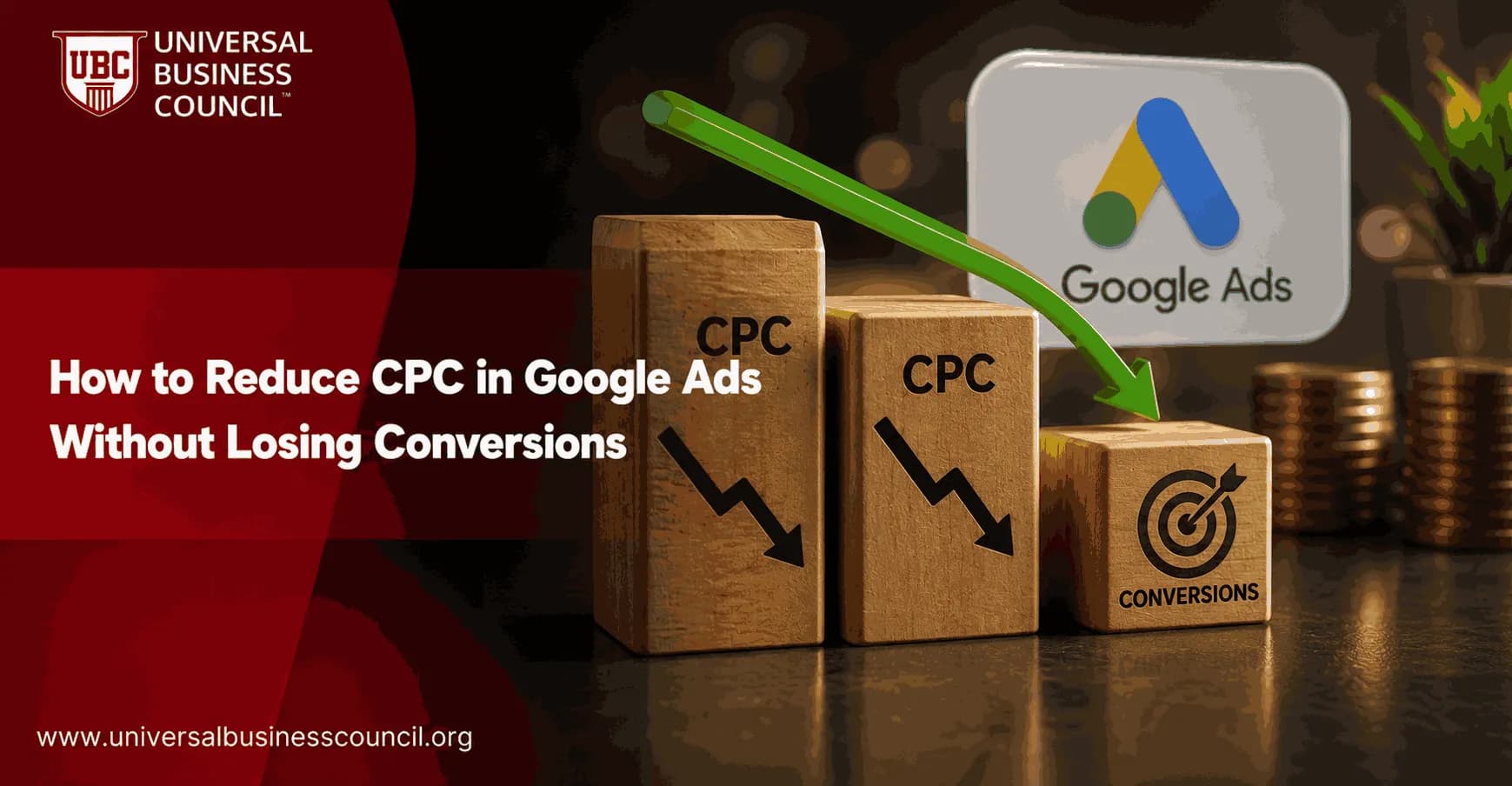
Reducing CPC in Google Ads without losing conversions is not a bid-cutting exercise. It is a relevance exercise. Lower your bids across the account and you usually buy fewer qualified auctions, then watch lead volume fall. The better route is to make Google charge you less for the same intent, or better.
Google Ads Help describes Ad Rank as a product of your bid, ad quality, the Ad Rank thresholds, auction competitiveness, the context of the search, and the expected impact of your assets. That means you hold more control than most advertisers assume. You can cut wasted clicks, lift Quality Score, sharpen match types, and keep CPA or ROAS as the real guardrail.

As Google Ads campaigns become increasingly dependent on automation and accurate conversion data, marketers need practical expertise in campaign structure, bidding strategies, Quality Score optimization, and performance analysis. A Certified Google Ads Expert credential helps professionals develop these skills, enabling them to optimize campaigns while maintaining a strong balance between cost efficiency and conversion performance.
Start with the right KPI: CPC is secondary
To be blunt, a low CPC can be a trap. A $1 click that never converts is expensive. A $12 click that turns into a $900 sale is cheap.
Before you try to reduce CPC, build a simple view by campaign, keyword, match type, device, location, and hour:
Average CPC
Conversion rate
Cost per acquisition (CPA)
Return on ad spend (ROAS)
Quality Score
Search impression share
Leadership rarely cares about CPC on its own. They care whether the channel hits CAC, lead quality, pipeline value, or revenue targets. Keep that framing. Your job is to lower CPC only where conversion volume and quality survive.
Improve Quality Score before you cut bids
Quality Score is still one of the cleanest ways to lower your cost per click. Google builds it around three visible components: expected click-through rate, ad relevance, and landing page experience.
Many PPC teams work off a rough rule of thumb: each one-point gain in Quality Score can trim CPC by around 10 percent, and moving a keyword from 5 to 8 might cut CPC by roughly 30 to 40 percent. Treat those as directional benchmarks, not a promise. The auction shifts by market.
Improving paid search performance also requires a broader understanding of customer acquisition, attribution, campaign planning, and cross-channel optimization. A Certified Digital Marketing Expert credential helps professionals strengthen these capabilities, ensuring that Google Ads strategies align with wider business and marketing objectives rather than focusing on CPC alone.
Fix keywords below a Quality Score of 6
Open your keyword report and sort by spend. Add the Quality Score columns. Start with keywords that carry meaningful spend and score below 6. Do not burn a day polishing a keyword that spent $14 last month.
For each weak keyword, ask three questions:
Does the ad repeat the search intent? A query for CRM for real estate teams should not land on a generic best CRM software ad.
Is the ad group too broad? If one ad group holds twenty loosely related keywords, relevance suffers.
Does the landing page answer the promise in the ad? Message mismatch quietly drains budget. I have watched teams pay for "free demo" clicks and drop users on a pricing page with no demo form above the fold. That is a preventable leak.
Use tighter ad groups, not messy keyword buckets
Single keyword ad groups, often called SKAGs, are not always necessary. They get hard to maintain in larger accounts. The principle still holds, though: keep ad groups tightly themed.
Group keywords by intent. For example:
Problem queries: "how to track sales leads"
Solution queries: "lead tracking software"
Purchase queries: "CRM pricing for small business"
Each group deserves its own ad copy and landing page angle. This is slower than dumping everything into one campaign. It also works better.
Shift spend toward exact, phrase, and long-tail intent
Broad match can work, especially with Smart Bidding and clean conversion data. But if your account is wasting spend, broad match is often where the waste hides.
A practical structure for budget-constrained accounts puts 60 to 80 percent of spend into exact and phrase match keywords that already convert. Use broad match for discovery only when you have strong negatives, enough conversion volume, and a bidding strategy tied to CPA or ROAS.
Long-tail keywords are your friend. They usually face lower competition and carry clearer intent. Compare these:
"CRM software"
"CRM for real estate teams"
"CRM with WhatsApp integration for small business"
The first term pulls in researchers, vendors, students, and buyers all at once. The last two tell you far more about the user. That specificity often lowers CPC and protects conversion rate.
Use negative keywords like a weekly hygiene task
Want a fast way to cut wasted spend? Open the Search Terms Report. Do it weekly in active accounts. Biweekly is fine for lower-volume campaigns.
Add negatives when a query shows poor intent, poor economics, or both. A simple operating rule works well:
Add a negative when a query spends more than 2x your target CPA with no conversion.
Review terms with conversion rates below 1 percent if they carry meaningful click volume.
Exclude obvious mismatches such as "jobs", "salary", "free", "template", "tutorial", or "PDF" when they do not fit your offer.
Be careful with broad negatives. One over-aggressive negative can block profitable searches. Use exact or phrase negatives when the risk is high.
Improve ad assets to raise CTR without raising bids
Google now calls extensions "assets." Use them. Sitelinks, callouts, structured snippets, call assets, image assets, and location assets can lift visibility and click-through rate without touching your max CPC.
A higher CTR can improve expected CTR, one of the Quality Score components. Practitioners often report CTR gains of up to 15 percent when relevant assets are fully used, though your result depends on the auction and your ad position.
Do not add assets just to fill space. Add assets that qualify the click:
Sitelinks: pricing, case studies, demo request, service areas
Callouts: same-day quote, certified consultants, no setup fee
Structured snippets: services, industries, product types
Location assets: essential for clinics, gyms, repair services, and local branches
Use bid adjustments where conversion data supports it
Manual bid cuts are blunt. Segment-based adjustments are sharper.
Device adjustments
Check CPA and conversion rate by device. If mobile clicks cost less but convert poorly, your cheap CPC is fake efficiency. Reduce mobile bids or fix the mobile landing page. If desktop drives high-quality leads, protect that traffic.
Location adjustments
For local and regional advertisers, geography is often the easiest win. Reduce bids by 10 to 30 percent in poor-performing locations. Raise them by 20 to 50 percent where conversion rate and lead quality are strong.
A local clinic paying for clicks outside its service radius is not "expanding reach." It is donating money to Google.
Ad scheduling
Pull performance by hour and day. If weekday mornings convert at half the CPA of late-night traffic, act on it. Common ranges run +10 to +30 percent during strong periods and -20 to -50 percent during weak windows.
Let Smart Bidding work, but feed it clean data
Target CPA and Target ROAS can bring down cost per conversion, but they need trustworthy conversion tracking. Google Ads automation is only as good as the signals you give it.
Before you switch to Smart Bidding, check:
Primary conversions reflect real business value, not soft actions like page views.
Enhanced conversions are configured where appropriate.
Imported CRM conversions from HubSpot, Salesforce, or another CRM are mapped correctly.
Duplicate conversion tags are not inflating results.
The campaign holds enough conversion volume for the strategy to learn.
If an account records only five conversions a month, Target CPA will struggle. Tighten structure first and build clean volume before you expect automation to solve the problem.
Modern advertising platforms also rely on strong technical foundations, including analytics implementation, tag management, API integrations, data collection, and marketing technology. A Tech Certification helps professionals build these complementary skills, making it easier to maintain accurate measurement and support data-driven campaign optimization.
Make landing pages carry their share
Media buyers often blame CPC when the real problem is conversion rate. A landing page that loads slowly, hides the form, or repeats vague claims forces you to pay more for each result.
Fix these first:
Match the headline to the keyword and ad promise.
Put the main form or call to action above the fold on mobile.
Remove unnecessary fields. Ask for what sales truly needs.
Add proof near the call to action: reviews, logos, certifications, or specific outcomes.
Use Google Analytics 4 to compare engaged sessions and conversion rate by campaign.
Small changes matter. In lead generation accounts, cutting a form from eight fields to four often does more for CPA than another round of keyword tinkering.
A practical 14-day CPC reduction workflow
Day 1: Export keyword, search term, device, location, and hour reports.
Day 2: Flag keywords with high spend, low Quality Score, and weak CPA.
Day 3: Add negative keywords from search terms.
Day 4: Split broad ad groups into tighter intent groups.
Day 5: Rewrite ads to match the top queries in each group.
Day 6: Add or clean up sitelinks, callouts, snippets, and location assets.
Day 7: Pause or reduce bids on high-CPC terms with poor CPA.
Day 8: Shift budget toward exact and phrase long-tail converters.
Day 9: Apply device, geo, and schedule adjustments.
Day 10: Audit conversion tracking and CRM imports.
Day 11: Improve the highest-spend landing page.
Day 12: Launch one ad copy test per major ad group.
Day 13: Review early indicators, especially CTR and search terms.
Day 14: Compare CPC, CPA, conversion rate, and volume against baseline.
Where this fits in professional digital marketing training
If you manage paid media, reducing CPC in Google Ads is only one part of performance marketing. You also need analytics, landing page optimization, budget planning, and stakeholder reporting. Universal Business Council learners can connect this topic with related digital marketing, marketing analytics, and campaign management courses as internal study paths.
The best next step is practical: open one active campaign, filter for Quality Score below 6 and spend above your account average, then fix only those terms first. Do that before you touch every bid. You will make cleaner decisions, and you will be far less likely to cut the clicks that actually convert.
As AI, automation, and privacy-focused measurement continue to reshape digital advertising, marketers benefit from understanding the technologies powering modern marketing platforms. A Deep Tech Certification provides deeper knowledge of emerging technologies, enabling professionals to make more informed decisions when working with advanced advertising systems, analytics infrastructure, and AI-driven optimization tools.
FAQs
1. What is CPC in Google Ads?
Cost Per Click (CPC) is the amount an advertiser pays each time someone clicks on a Google Ads campaign. CPC varies based on factors such as keyword competition, Quality Score, bidding strategy, audience targeting, and ad relevance.
2. Why is reducing CPC important?
Lower CPC can help businesses generate more clicks within the same advertising budget and potentially improve return on investment (ROI). However, reducing CPC should not come at the expense of conversion quality or overall campaign performance.
3. How does Quality Score affect CPC?
Quality Score measures the relevance and quality of your keywords, ads, and landing pages. Higher Quality Scores can contribute to lower CPCs and better ad positions because Google rewards ads that provide a positive user experience.
4. How can I improve my Quality Score?
Improve keyword relevance, write compelling ad copy, organize tightly themed ad groups, optimize landing page experience, increase expected click-through rate (CTR), and ensure your ads closely match user search intent.
5. Should I focus on long-tail keywords?
Long-tail keywords often have lower competition and stronger purchase intent than broad keywords. While search volume may be smaller, they can deliver qualified traffic at a lower CPC and potentially improve conversion rates.
6. How do negative keywords reduce CPC?
Negative keywords prevent your ads from appearing for irrelevant searches, reducing wasted clicks and improving campaign efficiency. Regularly reviewing the Search Terms Report helps identify new negative keyword opportunities.
7. Can Smart Bidding help lower CPC?
Smart Bidding strategies such as Target CPA or Maximize Conversions use machine learning to optimize bids based on conversion likelihood. While CPC may not always decrease, automated bidding can improve overall campaign efficiency and conversion performance.
8. How does ad relevance impact advertising costs?
Highly relevant ads are more likely to achieve better click-through rates and Quality Scores. Improved relevance can contribute to more efficient auctions, which may help reduce average CPC over time.
9. Why is landing page optimization important?
A fast, relevant, and user-friendly landing page improves visitor experience and may contribute to better Quality Scores. Strong landing pages also help convert more visitors, allowing businesses to maximize results without relying solely on lower CPCs.
10. Should I use audience targeting?
Audience targeting helps advertisers focus on users who are more likely to convert based on interests, demographics, previous interactions, or purchasing behavior. Better targeting can reduce wasted ad spend and improve campaign efficiency.
11. How can ad assets improve campaign performance?
Ad assets such as sitelinks, callouts, structured snippets, price assets, image assets, and call extensions provide additional information and improve ad visibility. Strong assets can increase click-through rates and overall ad effectiveness.
12. Does campaign structure affect CPC?
Yes. Well-organized campaigns with tightly grouped keywords and highly relevant ads generally perform better than broad, loosely organized campaigns. A clear account structure makes optimization easier and supports stronger Quality Scores.
13. How can AI help reduce CPC?
Google's AI-powered tools can optimize bids, identify high-performing audiences, recommend keyword opportunities, improve ad delivery, and analyze conversion patterns. AI should complement regular human review and strategic campaign management.
14. Should I pause expensive keywords?
Not automatically. Evaluate expensive keywords based on conversion rate, return on ad spend (ROAS), customer lifetime value, and business profitability rather than CPC alone. Some high-CPC keywords may generate valuable conversions.
15. How does device optimization affect CPC?
Performance often varies across desktop, mobile, and tablet users. Reviewing device-level data allows advertisers to adjust bids, improve landing page experiences, and allocate budget toward devices that deliver stronger conversion performance.
16. Which Google Ads metrics should I monitor?
Monitor CPC, conversions, conversion rate, click-through rate (CTR), Quality Score, impression share, cost per acquisition (CPA), return on ad spend (ROAS), conversion value, and search impression metrics to evaluate campaign efficiency.
17. What common mistakes increase CPC unnecessarily?
Common issues include using overly broad keywords, ignoring negative keywords, poor ad relevance, weak landing pages, low Quality Scores, failing to optimize bidding strategies, neglecting search term reports, and targeting audiences that are too broad.
18. What trends are shaping CPC optimization in 2026?
Key trends include AI-powered bidding, Enhanced Conversions, first-party data strategies, predictive audience targeting, Consent Mode, server-side tagging, privacy-focused measurement, Performance Max optimization, and automated creative testing.
19. Can lower CPC always improve ROI?
No. A lower CPC is valuable only if it maintains or improves conversion quality. Businesses should focus on profitability, conversion value, customer acquisition cost (CAC), and long-term return on investment rather than reducing click costs alone.
20. What is the best long-term strategy for reducing CPC without losing conversions?
The most sustainable approach combines strong Quality Scores, relevant keywords, optimized landing pages, effective audience targeting, AI-assisted bidding, accurate conversion tracking, and continuous testing. Instead of chasing the cheapest click, focus on acquiring the most valuable customers efficiently over time. Google Ads has an amusing habit of rewarding relevance while charging extra for shortcuts, proving that even advertising algorithms appreciate a little effort.
Related Articles
View All
Digital Marketing
Google Ads Tips to Improve Clicks, Conversions, and ROI
Practical Google Ads tips to increase CTR, improve conversion rate, reduce wasted spend, and raise ROI through targeting, tracking, bidding, and landing page fixes.

Digital Marketing
Google Ads Remarketing Guide: How to Re-Engage Website Visitors
A practical Google Ads remarketing guide for re-engaging website visitors with audience segmentation, dynamic ads, RLSA, first-party data, and better measurement.
Digital Marketing
Google Ads Landing Pages: Best Practices for 2026
Learn how to build Google Ads landing pages that match search intent, load fast on mobile, improve conversion tracking, and support smarter campaign optimization.
Trending Articles
The Role of Blockchain in Ethical AI Development
How blockchain technology is being used to promote transparency and accountability in artificial intelligence systems.
AWS Career Roadmap
A step-by-step guide to building a successful career in Amazon Web Services cloud computing.
Top 5 DeFi Platforms
Explore the leading decentralized finance platforms and what makes each one unique in the evolving DeFi landscape.