

What Is Instagram Shadowban and How to Avoid It?
 Smita
Smita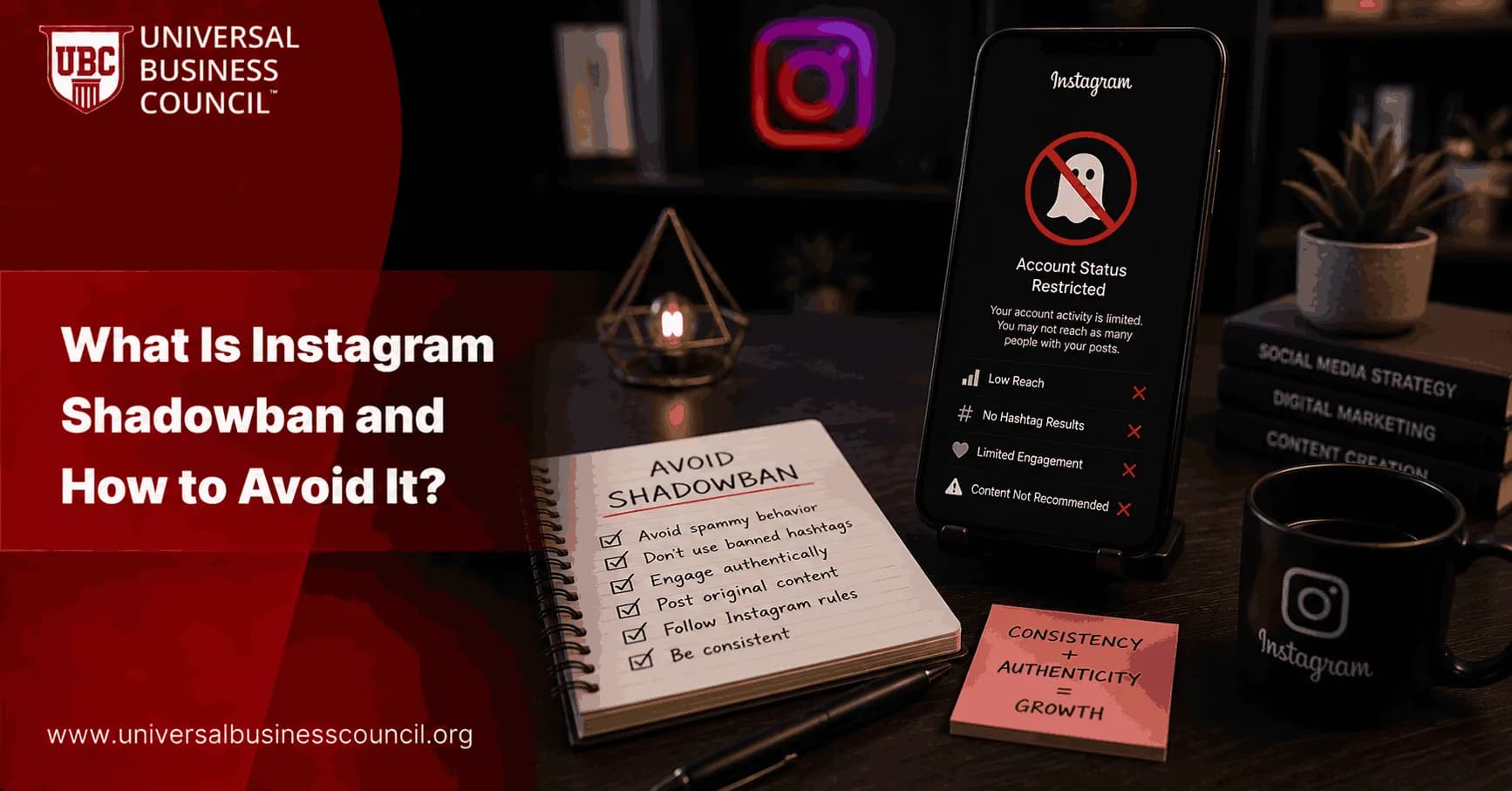
If your posts suddenly stop getting reach or engagement, even though you’re posting regularly, you might be shadowbanned. An Instagram shadowban hides your content from non-followers without any warning. This guide explains what shadowbanning is, how to identify it, and how to avoid it while growing your account safely. Let’s get straight to the point and help you stay visible on Instagram.
What Is Instagram Shadowban?
Instagram shadowban is a hidden restriction placed on your account when the platform detects behavior it considers suspicious or spammy. It doesn’t block or disable your account. But it limits your content from showing up in hashtag feeds, the Explore page, and in recommendations for users who don’t follow you. This means your posts will only be seen by your current followers, making growth almost impossible until the ban is lifted.

How to Know If You’re Shadowbanned
You don’t get any alert from Instagram. But here are signs that strongly indicate a shadowban:
Your posts no longer appear under the hashtags you use
You stop gaining new followers completely
Your reach and engagement drop by 50 to 90 percent
You disappear from Explore page recommendations
Only your followers can see your stories and posts
A simple test is to post using a unique hashtag and ask someone who doesn’t follow you to check if they can find it. If not, your account is likely restricted.
Why Instagram Shadowbans Happen
There are several reasons Instagram might limit your account. These include:
Using banned or restricted hashtags
Violating Instagram’s content policies
Posting spammy or misleading content
Mass following, commenting, or liking too fast
Using third-party bots or automation tools
Getting reported by other users
Repeating the same set of hashtags too often
Instagram’s algorithm flags unnatural behavior, even if it wasn’t intentional.
Common Triggers of Instagram Shadowban
Trigger | Safer Alternative | Reason |
Using banned hashtags | Use only verified and relevant hashtags | Avoids content filtering and reach limits |
Overusing automation tools | Engage manually and naturally | Prevents being flagged for spam behavior |
Violating community guidelines | Review and follow Instagram rules | Keeps your account in good standing |
Engagement pods or fake likes | Build real interactions | Supports organic growth and credibility |
How to Fix Instagram Shadowban
If you think your account is shadowbanned, follow these steps to recover:
Step 1: Stop All Activity
Pause posting, liking, following, and commenting for 48 to 72 hours. This gives the algorithm a chance to reset.
Step 2: Remove Problem Posts
Review recent posts and delete anything that might break Instagram’s rules. Also, remove banned or repetitive hashtags.
Step 3: Revoke Access to Third-Party Apps
Go to Instagram Settings → Security → Apps and Websites. Disconnect any automation or scheduling tools that are not officially supported. Then change your password.
Step 4: Report the Issue
In your app, go to Settings → Help → Report a Problem. Describe what’s happening. Don’t mention the word “shadowban.” Just explain that your content has stopped reaching new users.
Step 5: Switch Account Type
Some users have fixed the issue by switching from a business or creator account to personal, waiting a few days, and then switching back.
Step 6: Rebuild Trust Gradually
Once you start posting again, avoid spammy tactics. Stick to helpful content, post consistently, and engage with your followers normally.
Instagram Shadowban Warning Signs to Watch For
Sign | What It Means | Suggested Action |
Posts missing from hashtags | You’ve been hidden from search | Remove hashtags and wait before reposting |
Reach drops by more than 50% | Instagram is limiting your visibility | Take a break and clean up recent activity |
Engagement only from followers | No new people can find your content | Audit hashtags and review content strategy |
No new follower growth | You’ve lost organic discovery | Re-engage after cleanup and avoid automation |
How to Avoid Being Shadowbanned
Prevention is better than recovery. Here’s how to keep your account healthy:
Follow Instagram Guidelines
Avoid content that includes hate speech, fake news, nudity, or anything against Instagram’s rules.
Watch Your Hashtag Usage
Don’t copy and paste the same set of hashtags in every post. Check if a hashtag is banned by searching it in Instagram. If nothing shows up or results are limited, don’t use it.
Avoid Bots and Automation
Don’t use apps that promise to get you followers or likes. These tools are against Instagram’s policies and will get your account flagged.
Limit Rapid-Fire Engagement
Don’t like or comment on hundreds of posts in a short time. Instagram might mistake you for a bot.
Keep Multiple Accounts Separate
If you manage more than one account, use different browsers or apps to avoid Instagram linking them through behavior patterns.
Final Advice
Instagram shadowban can slow your growth and limit your audience without you even realizing it. But it’s fixable and preventable. Focus on genuine engagement, avoid risky behavior, and build your brand with consistent, high-quality content. If you’re serious about growing your digital presence, consider boosting your skills with a Marketing and Business Certification. If you want to use data to improve your content performance, a Data Science Certification is a great step. And for those working with advanced algorithms and social platforms, the Deep Tech Certification offers long-term value. Stay smart, follow best practices, and your reach will keep growing-without any invisible blocks.
FAQs
1. What Is an Instagram Shadowban?
An Instagram shadowban refers to a situation where a user's content experiences reduced visibility, making posts harder to discover through hashtags, Explore pages, or search results without an official account suspension.
2. Does Instagram Officially Confirm Shadowbans?
Instagram generally does not use the term "shadowban" officially, but it does limit the reach of content that violates platform guidelines or appears spammy.
3. How Can You Tell If Your Account Has Been Shadowbanned?
Common signs include a sudden drop in reach, lower engagement rates, reduced hashtag visibility, declining follower growth, and fewer appearances on the Explore page.
4. What Causes an Instagram Shadowban?
Potential causes include violating community guidelines, using banned hashtags, engaging in spam-like behavior, excessive automation, or repeatedly posting inappropriate content.
5. Can Using Banned Hashtags Lead to a Shadowban?
Yes, repeatedly using hashtags associated with spam, misinformation, or policy violations may negatively affect content visibility.
6. What Are Banned Hashtags on Instagram?
Banned hashtags are hashtags that Instagram has restricted due to misuse, inappropriate content, or repeated violations of platform policies.
7. Can Excessive Hashtag Usage Trigger Reach Restrictions?
Using large numbers of irrelevant, repetitive, or spam-like hashtags may signal manipulative behavior and potentially reduce content performance.
8. How Does Automated Activity Affect Instagram Reach?
Excessive use of bots, automated engagement tools, or unauthorized automation services may violate Instagram's policies and negatively impact account visibility.
9. Can Buying Followers Cause Shadowban Issues?
Buying followers often results in low-quality engagement and suspicious account activity, which can harm account performance and credibility.
10. How Does Spam-Like Behavior Impact Instagram Accounts?
Actions such as excessive liking, commenting, following, unfollowing, or sending repetitive messages may trigger platform restrictions.
11. Can Violating Community Guidelines Lead to a Shadowban?
Yes, content that violates Instagram's community standards may experience reduced distribution or visibility.
12. How Can Businesses Avoid Instagram Shadowbans?
Businesses should follow community guidelines, avoid spam tactics, use relevant hashtags, create authentic content, and focus on genuine audience engagement.
13. Should Users Remove Banned or Irrelevant Hashtags?
Yes, regularly reviewing and removing problematic hashtags can help maintain healthy account performance and visibility.
14. How Important Is Content Quality for Avoiding Reach Restrictions?
High-quality, original, and engaging content is more likely to receive positive engagement signals that support broader distribution.
15. Can Reporting Issues to Instagram Help?
If an account believes it has been unfairly affected, reviewing account status and reporting concerns through Instagram's support channels may help identify potential issues.
16. How Long Does an Instagram Shadowban Last?
The duration varies depending on the cause, severity of the issue, and whether corrective actions are taken. Some visibility limitations may resolve within days, while others can take longer.
17. How Can Users Recover From a Shadowban?
Recovery strategies include stopping spam-like activity, removing problematic hashtags, following platform guidelines, reducing automation, and focusing on authentic engagement.
18. Does Switching to a Professional Account Prevent Shadowbans?
No, professional accounts are subject to the same content and behavior policies as personal accounts and must still follow Instagram's guidelines.
19. What Metrics Should Be Monitored to Detect Potential Reach Issues?
Users should track reach, impressions, engagement rate, follower growth, hashtag performance, profile visits, and Explore page traffic.
20. What Is the Best Long-Term Strategy to Avoid Instagram Shadowbans?
The best strategy is to consistently create valuable content, follow community guidelines, avoid shortcuts and automation abuse, use relevant hashtags, and build genuine relationships with followers. After all, social media platforms tend to prefer actual human engagement over industrial-scale button clicking..
Related Articles
View All
What Is Instagram Shadowban and How to Avoid It?
If your posts suddenly stop getting reach or engagement, even though you’re posting regularly, you might be shadowbanned. An Instagram shadowban hides your content from non-followers without any warning. This guide explains what shadowbanning is, how to identify it, and how to avoid it while…

Content Calendar System for Instagram: Plan 30 Days of Posts, Reels, and Stories
Learn a repeatable content calendar system for Instagram to plan 30 days of posts, Reels, and Stories using pillars, batching, scheduling, and analytics.

Building a High-Converting Instagram Funnel: Profile to DM Automation
Learn how to build a high-converting Instagram funnel with profile optimization, Reels and Stories nurture, and DM automation that qualifies leads and drives bookings or sales.
Trending Articles
The Role of Blockchain in Ethical AI Development
How blockchain technology is being used to promote transparency and accountability in artificial intelligence systems.
AWS Career Roadmap
A step-by-step guide to building a successful career in Amazon Web Services cloud computing.
Top 5 DeFi Platforms
Explore the leading decentralized finance platforms and what makes each one unique in the evolving DeFi landscape.