

What Is Strawberry, the Self-Driving Browser? Features and Use Cases
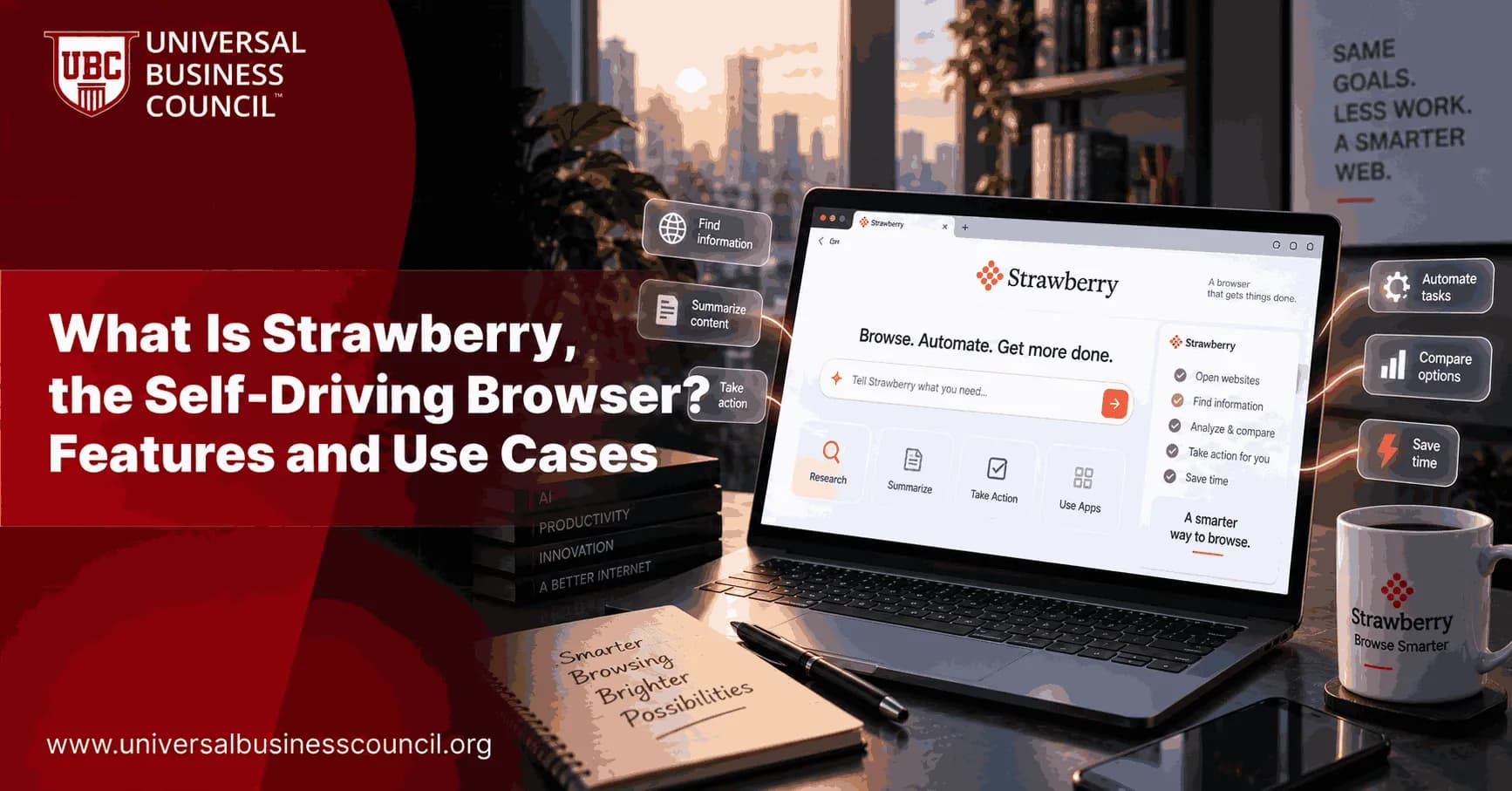
The web browser has stayed mostly the same for two decades. You open tabs, type in search boxes, click links, and copy information from one page to paste into another. Strawberry Browser is trying to break that pattern. It calls itself a self-driving browser, meaning it can research, click, fill in forms, and finish entire tasks on its own instead of waiting for you to do every step by hand. As more professionals bring AI into their daily work, many are also choosing to formalize that knowledge through a Marketing Certification, since tools like Strawberry are quickly becoming part of how marketing, sales, and research work actually gets done. This article breaks down what Strawberry Browser is, how it works, its main features, and the kinds of tasks it is best suited for, written so that both a complete beginner and an experienced professional can follow along.
What Is Strawberry Browser?
Strawberry Browser is a desktop application for macOS and Windows that looks and feels like a normal web browser but has AI agents, called Companions, built directly into it. It was created by a Stockholm based startup founded by Sebastian Thunman and Charles Maddock, who set out to build what they describe as a self-driving browser rather than a browser with a chatbot added on the side. The distinction matters. Most AI browser tools today read a page and answer questions about it. Strawberry goes further by actually taking action inside the page itself, whether that means clicking a button, filling out a form, or moving data from one website into a spreadsheet.

Because agentic tools like this sit at the crossroads of AI, automation, and everyday digital work, many people exploring this space start by building a foundation through Artificial Intelligence Certifications, which cover how AI models reason through tasks, make decisions, and interact with software, all of which is directly relevant to understanding how a browser like Strawberry actually operates behind the scenes.
Strawberry is built using Electron as its application shell and Chromium as its rendering engine, the same open source engine that Google Chrome is built on. That choice means the interface feels immediately familiar, with tabs, a search bar, and bookmarks working the way you would expect. What is different is what sits underneath that familiar layout: a system of AI agents that can read everything on your screen, understand what you are trying to accomplish across multiple tabs, and carry out the steps needed to get there.
How Strawberry Browser Actually Works
When you type a request into Strawberry, such as "find me three vendors for office chairs under two hundred dollars and compare their shipping times," the browser does not simply search and hand you links. It plans a sequence of actions, opens the relevant sites, reads the details on each page, and returns a structured comparison. This happens because the AI model behind Strawberry breaks a request into smaller steps the same way a person would when handling the task manually.
The Role of Companions
Companions are the AI agents that carry out this work. They come in two forms. Prebuilt Companions are designed around specific professional roles, such as a sales focused Companion for prospecting or a recruiting focused Companion for sourcing candidates. Custom Companions can be trained by the user to match a specific workflow, such as pulling weekly competitor pricing data or drafting personalized outreach messages. A Companion can read open tabs, click through multi-page websites, extract data, and even manage logged in sessions across tools like Gmail, Google Calendar, Notion, HubSpot, and GitHub.
Skills and Reusable Automation
Alongside Companions, Strawberry includes a feature called Skills. A Skill is a saved sequence of steps that can be triggered with a short command instead of retyping the same instructions every time. For example, instead of explaining a lead qualification process from scratch each morning, a user can save it once as a Skill and simply say "run my lead qualification Skill" going forward. This turns a task that might take fifteen minutes of manual explanation into a five second command, which is especially useful for repetitive work like data entry, research summaries, or outreach follow-ups.
Approval Before Sensitive Actions
Strawberry uses an approval based system for anything considered risky or irreversible, such as completing a purchase, sending an email on your behalf, or submitting a form with personal information. The browser pauses and asks for confirmation before these actions go through, which keeps a human in the loop for decisions that matter.
Core Features of Strawberry Browser
Strawberry Browser combines several capabilities that set it apart from a standard browser or a simple AI extension.
Multi-tab awareness: Companions can read across several open tabs at once and combine information from each, rather than being limited to a single page.
No-code training: Users can demonstrate a task one time by performing it manually, and the Companion learns the pattern well enough to repeat it automatically afterward.
Native integrations: Built-in connections to Gmail, Outlook, Google Calendar, Google Drive, Notion, GitHub, and HubSpot let Companions pull and act on real data without manual copy and pasting.
Meeting assistance: Strawberry can join calls, transcribe conversations, summarize key points, and draft follow-up emails, all without adding a separate meeting bot to the call.
Free browsing, paid automation: Everyday browsing does not use credits. Credits are only spent when a Companion performs a task such as drafting content, researching, or completing a workflow.
Local data storage: Passwords, browsing history, and chat history are stored locally on the device rather than uploaded to a remote server by default.
Strawberry Browser Compared to Other AI Tools
It helps to understand where Strawberry fits compared to other AI browsing tools already on the market. A typical AI chatbot with browsing access, like many people use today, works in what is often called read mode. It can look at a page and summarize or answer questions about it, but it does not click buttons or complete transactions. Strawberry, along with a small group of other agentic browsers, operates in what could be called act mode, where the AI can navigate multiple pages, make decisions along the way, and finish a task end to end.
This raises the bar for what a browser can be used for, but it also raises new questions around reliability, security, and oversight. Software that can click and type on your behalf touches on real engineering challenges, including how to interpret ambiguous instructions correctly, how to avoid mistakes on complex websites, and how to keep sensitive actions safe. Professionals who want a structured way to understand these challenges, from automation logic to AI safety design, often turn to a broader Tech Certification pathway, since it covers the practical software and systems knowledge that sits behind tools like agentic browsers rather than just the marketing side of AI adoption.
In practice, reviewers have noted mixed results depending on the task. Research heavy work, like gathering pricing data across several vendor sites, tends to go quickly and save real time. Other tasks, such as sending a large batch of connection requests on a professional network, can actually take longer through an AI agent than doing it manually, since the AI reads and decides carefully at each step rather than moving with the speed of muscle memory. This is a useful expectation to set before relying on Strawberry for time sensitive work.
Everyday and Professional Use Cases
Strawberry Browser is being applied across a wide range of tasks, some professional and some purely personal.
Sales prospecting: Building lead lists, checking them against an ideal customer profile, and logging qualified leads directly into a CRM.
Recruiting: Searching professional networks for candidates matching specific criteria and pulling their contact details and experience into a shared document.
Content and competitor research: Gathering information from multiple articles or competitor websites and compiling it into a single organized summary.
Meeting preparation: Reviewing an upcoming calendar event, researching the people involved, and preparing background notes ahead of time.
Online shopping: Comparing prices, shipping costs, and reviews across several retailer sites without opening each one manually.
Administrative work: Filling out repetitive forms, such as job applications or intake forms, using saved personal information.
One emerging application worth watching sits outside the usual productivity space entirely. AI microdrama, where generative AI helps bring serialized stories, characters, and fictional worlds to life, is a good example of how the same underlying agentic and generative AI capabilities used in browsers are also being applied to creative storytelling. Platforms exploring this space, such as AI microdrama, show that the reach of AI agents extends well beyond spreadsheets and inboxes into entertainment and narrative content, which is a sign of how broadly this technology is expanding.
Pricing and Availability
Strawberry follows a freemium structure. Regular browsing costs nothing and does not draw down any credits. When a Companion is asked to perform work, whether that is drafting a document, researching a topic, or completing a saved Skill, it consumes credits from a balance tied to your account. Reported pricing starts around twenty dollars per month for individual use, with higher tiers, closer to two hundred fifty dollars per month, aimed at teams doing heavy daily automation such as continuous prospecting or large scale research projects. Since pricing for AI products tends to shift as usage patterns become clearer, it is worth confirming current rates directly on the official site before signing up.
Is It Safe to Let an AI Browse for You?
Handing browsing control to an AI agent naturally raises safety questions, and Strawberry addresses several of them directly. Sensitive or irreversible actions require explicit user approval before they happen, so the browser will not silently make a purchase or send a message without your knowledge. Data such as passwords and chat history is stored locally on the device rather than on a remote server by default, and the company states that browsing activity is not used to train its AI models. The company has also stated that it meets SOC 2 requirements, a standard commonly used to evaluate how a company manages and protects data. Even with these protections, it remains good practice to review the outcome of any automated task, especially anything involving financial details, client communication, or personal information.
Final Thoughts
Strawberry Browser represents a genuine shift away from the browser as a passive tool toward the browser as an active assistant. Its Companions can read, click, and act across the web on your behalf, its Skills feature turns repetitive tasks into single commands, and its approval based system tries to keep people in control of anything sensitive. It is not without limitations, since some automated actions can still be slower than doing them manually, and it remains an early stage product in a fast moving category. Still, for anyone spending significant time on repetitive research, outreach, or data work, Strawberry offers a genuinely different way of using the web. As agentic browsers continue to develop, understanding these tools well, whether through hands-on use or a structured Deep Tech Certification that covers automation, AI systems, and emerging software architecture, is likely to become a practical advantage rather than an optional extra for anyone working closely with technology.
FAQs
1. What Is Strawberry, the Self-Driving Browser?
Strawberry is described as a self-driving browser concept designed to use AI agents to interact with websites and complete tasks on a user's behalf. Instead of simply displaying webpages, an agent can interpret a goal, navigate websites, and perform multiple steps.
2. How Does Strawberry Browser Work?
A self-driving browser uses AI to understand a user's instructions, determine the required actions, interact with webpages, and adjust when the page changes. This allows the browser to handle multi-step tasks rather than requiring the user to click every button manually.
3. What Makes Strawberry Different From a Traditional Browser?
Traditional browsers primarily provide tools for users to navigate and interact with websites themselves. A self-driving browser adds an AI agent that can interpret instructions and perform browser actions such as searching, clicking, typing, and navigating between pages.
4. Is Strawberry an AI Browser?
Yes, Strawberry can be understood as an AI-powered browser concept in which an autonomous agent assists with web-based tasks. Its core idea is to combine conventional browser functionality with AI-driven task execution.
5. What Does "Self-Driving Browser" Mean?
A self-driving browser is a browser that can operate websites autonomously based on a user's objective. For example, instead of telling the user which buttons to click, an AI agent could navigate through the required steps itself.
6. What Features Can a Self-Driving Browser Like Strawberry Offer?
Potential features include:
AI-powered web navigation
Natural-language instructions
Automated clicking and typing
Multi-step task execution
Website research
Form completion
Information extraction
Cross-site workflows
Task planning and adaptation
7. Can Strawberry Browse Websites Automatically?
Yes, autonomous browser agents are designed to navigate websites automatically. They can potentially search for information, open pages, interact with website elements, and move between multiple webpages to complete a task.
8. Can Strawberry Complete Multi-Step Tasks?
One of the main purposes of an agentic browser is to complete workflows involving multiple steps. A user could provide a broader goal, and the AI agent could determine the sequence of browser actions required to accomplish it.
9. Can Strawberry Fill Out Online Forms?
An AI browser agent can potentially fill forms using information provided or authorized by the user. Because forms can contain sensitive information, users should carefully review what information an agent enters before submitting it.
10. Can Strawberry Be Used for Online Research?
Yes. An AI-powered browser can help automate research by visiting multiple sources, collecting information, comparing results, and organizing findings. This can be particularly useful for repetitive research tasks.
11. Can Strawberry Help With Shopping?
A self-driving browser could potentially search multiple online stores, compare products, check specifications, and organize options based on user-defined requirements. Actions involving purchases should generally require user confirmation before final submission.
12. Can Strawberry Automate Repetitive Web Tasks?
Yes. Repetitive activities such as checking websites, copying information, navigating dashboards, or completing standardized workflows are potential use cases for browser agents.
13. What Are the Business Use Cases for Strawberry?
Businesses could use self-driving browser technology for tasks such as market research, lead research, data collection, competitive analysis, administrative workflows, and customer-service operations. The greatest potential is in workflows that currently require repetitive manual browser interaction.
14. Can Strawberry Help Digital Marketers?
Potentially. Digital marketers could use an AI browser agent for competitor research, SERP analysis, campaign research, content research, data collection, and monitoring online information. Human review remains important for strategic decisions and accuracy.
15. Can Strawberry Be Used for Productivity?
Yes. AI browser agents can reduce the number of manual steps required for everyday online workflows. Users could describe an objective in natural language rather than manually navigating every webpage.
16. What Are the Limitations of a Self-Driving Browser?
AI browser agents can make mistakes when webpages change, instructions are ambiguous, information is unavailable, or websites contain unexpected elements. They can also misunderstand context or take an incorrect action, so important tasks should be reviewed by the user.
17. Is Strawberry Safe to Use?
The safety of any autonomous browser depends on its implementation, permissions, security controls, and how sensitive information is handled. Users should limit an agent's permissions, avoid giving unnecessary access to private accounts, and review consequential actions before they are executed.
18. Can Strawberry Make Decisions Without Human Input?
An agentic browser can make limited decisions within the objectives and rules provided by the user. However, decisions involving money, sensitive information, account changes, or legally significant actions should generally remain under human control.
19. What Is the Future of Self-Driving Browsers?
Self-driving browsers could evolve from simple AI assistants into agents capable of completing increasingly complex web workflows. As AI agents become better at planning, reasoning, and interacting with websites, browser automation could become more natural and task-oriented.
20. Why Are Self-Driving Browsers Important?
Self-driving browsers could change how people interact with the internet by shifting the experience from manually navigating webpages to giving AI agents goals. Instead of asking, "Where should I click?", users could increasingly say, "Complete this task," while retaining control over important decisions.
Related Articles
View All
Artificial Intelligence
Privacy-Preserving Machine Learning: Techniques and Use Cases
Discover how privacy-preserving machine learning enables AI systems to learn from data while protecting sensitive information. Explore techniques such as federated learning, differential privacy, and homomorphic encryption, along with practical use cases across healthcare, finance, and other industries.

Artificial Intelligence
AI Governance vs AI Ethics: Differences, Use Cases and Implementation
Understand the differences between AI governance and AI ethics, including their principles, frameworks, use cases, and implementation approaches. Learn how organizations combine ethical guidelines with governance policies to manage AI risks, ensure accountability, promote transparency, and support responsible AI adoption.

Artificial Intelligence
AI Safety Testing: Test Cases for High-Risk Applications
Learn how to test AI safety in high-risk applications using structured test cases and evaluation methods. Explore how organizations can assess harmful outputs, bias, reliability, security vulnerabilities, and unexpected model behaviour to identify risks and support safer AI deployment in critical environments.
Trending Articles
The Role of Blockchain in Ethical AI Development
How blockchain technology is being used to promote transparency and accountability in artificial intelligence systems.
AWS Career Roadmap
A step-by-step guide to building a successful career in Amazon Web Services cloud computing.
Top 5 DeFi Platforms
Explore the leading decentralized finance platforms and what makes each one unique in the evolving DeFi landscape.